I studied electronics years ago but have never worked professionally in that industry (I’m a software engineer by profession) but have often dabbled in electronics as a hobby since then.
I’m new to simulators and QSPICE so I am going to be asking very basic questions so please be kind!
First, once I’ve got a circuit and an analysis done and I can see voltages plotted, is there a way to remove a trace from the graph?
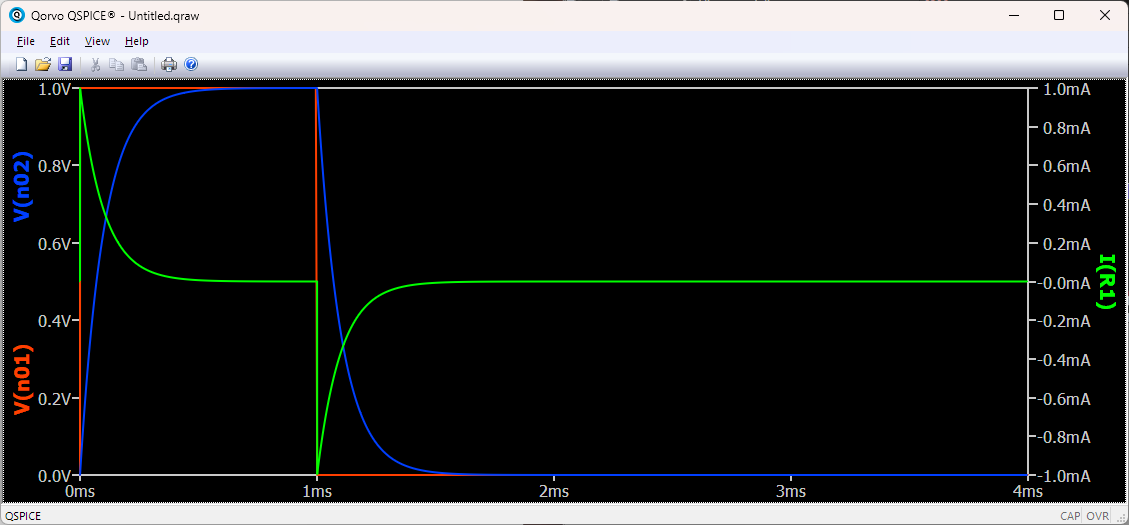
So for example how would I remove the green plot above? Do I need to visit the schematic and somehow find where I put that and remove it from the schematic or is there a way to simply mask the visibility of a trace without doing anything to the schematic itself?
What do you mean with “click on trace”. Where exactly do I have to click? Inside the diagram area on the plotted line? Or on the label of the legend? Should I expect any kind of feedback after I have clicked it? (Like the plot becoming highlighted?) Or should I just click, keep the mouse pointer hovered at the same position and then press DEL?
I am running QSpice in Wine under Linux and there are a lot of odd issues or quirks in the UI. Very often I am not sure if this is just weird due to emulation issue or if it is expected to behave like that.
In my specific example, I have designed a buck converter my currently active simulation directives are
.tran 10m
.plot v(Vin) v(Vout)
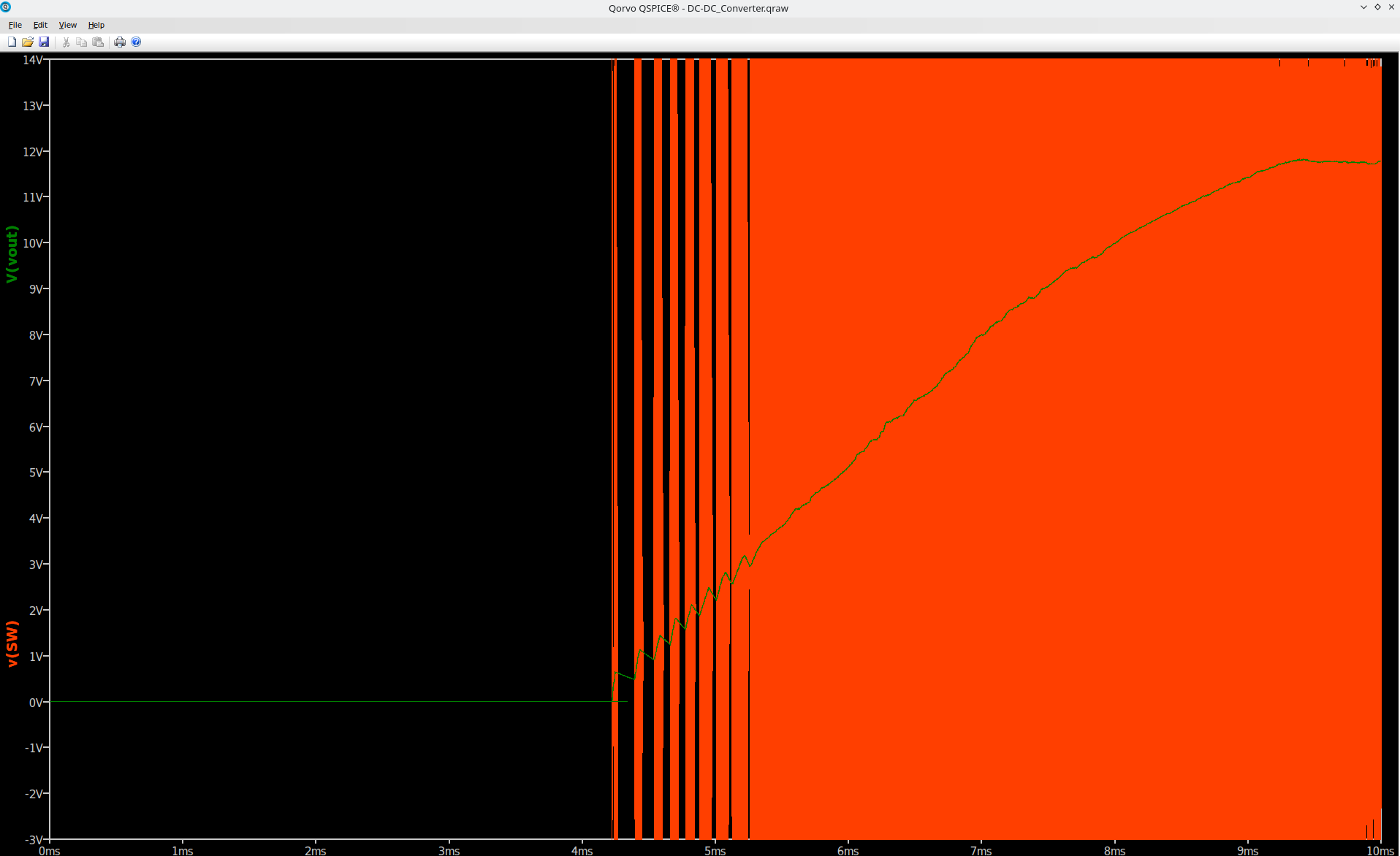
So I would expect a plot which exactly shows that. However, whatever I do, every time I get a diagram which always includes v(SW) which is the output of the switching node and which I haven’t asked for plus some random subset of the plots I actually have asked for.
Here is the plot, it shows v(Vout) and v(SW). However, I want v(Vin) and v(Vout).
I cannot delete v(SW). Even if I create a new diagram (right mouse click + new windows), the new window is initially empty, however as seen as I do anything (like adding some other plot) or setting options for the axis v(SW) pops up.
I am completely new to Qspice, but not new to Spice in general. Until now I have been using Ngspice, but it had some convergence problems with the TI model and was slow as hell. So I decided to give Qspice a try. For the last week I have constantly been running into wild issues. Sorry, that I am ranting. I shouldn’t as it is a free software and so I have no right to complain. But there are so many weird issues and no authoritative manual that I am probably going back to Ngspice. Ngspice has convergence issues, yes, Ngspice is slow, yes, but at least it does what I tell it to do and follows the “principle of least surprise”.
Waveform Config File
I guess you accidentally saved a plot configuration. Check if there is a .pfg file in your working directory. This file is created if you press Ctrl+S while in the waveform window.
A plot configuration file has higher priority than a .plot command. You just need to delete the .pfg file. One simple way to do this is directly within the waveform viewer: go to File > Delete Config File. After that, close the waveform viewer and rerun your simulation, and the plot will follow your .plot command again.
If you have a .pfg file, no matter what you do, the moment you press the spacebar in the waveform viewer, it will load that configuration again.
Delete a Trace in Waveform Viewer
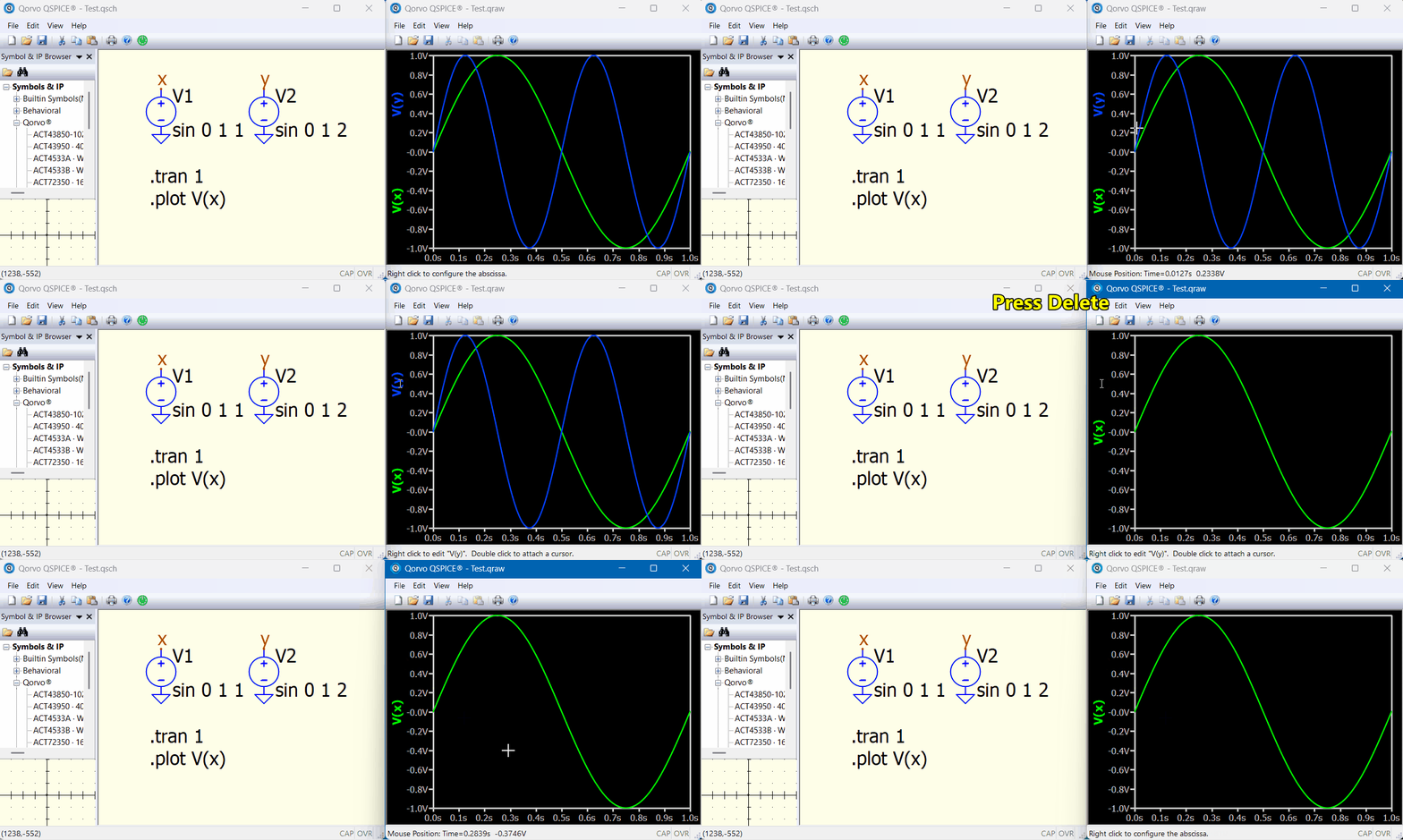
To delete a trace, click the trace label to highlight it, then press the Del key.
However, I only run QSpice on Windows and am not sure if your issue is Linux-related. If this doesn’t help, will have to see what experiences other Linux users have had.
(Officially, QSpice doesn’t have Linux version)
Yes, I did. A wanted to save the raw plot data to be able to inspect the waveforms later without the need to rerun the simulation. (Which takes about 11hours to complete.)
Thank you! By chance, I had figured that out myself before you responded as I found another discussion thread which gave away a hint to the .pfg file. Anyway, thanks a lot again.
In my case, I don’t need to press the space bar. Simply moving the mouse the slightest (i.e. by a single pixel) without even clicking anything is enough such that the waveform viewer “snaps” back to what is saved in the .pfg file.
Honestly, this is a completely stupid approach. IMHO, it completely violates what makes a program usable for me or what I call the “principle-of-least-surprise”:
Strg+S is typically expected to save your data, not how the UI looks like; also one would expect Strg+S to open a save dialog upon the first time so that one can choose a file file name. As nothing (visibly) happened I concluded Strg+S doesn’t do anything
Just snapping back to the saved config, even if the user clearly wants something to be changed (like deleting a plot) completely violates the user’s intention. Basically the view is “frozen” or “locked-down”. But it is not really frozen or locked-down, because one can seemingly change something, only to see how it is reverted to the previous state of the instant before. IMHO, if Strg+S silently creates a “frozen and saved configuration”, then the program should at least display a warning like “changes to the plot layout are disabled, plot layout is in saved read-only mode”, when the user attempts to change the plot layout, but not leave the user in the dark
Again about warning: If a saved plot configuration overrules the .plot command, then the console output window which also prints messages from the simulator should at least contain a warning, like “ignoring parameters of .plot directive as stored .pfg takes precedence”. Again, it’s about the principle-of-least surprise. Obviously, the program interprets the .plot directive partially, i.e. the user gets a plot, but not the plot one wants. The program should give the user a message why.
Some final thought (I didn’t run into the problem): Let’s assume one has put a lot of effort in into creating a complex plot, one is happy with it and one saves the layout. Then when notices that it a small bit could still be improved and one wants to change that. The program doesn’t allow that, because the saved config is basically “read-only” and is always reverted back to the saved state. The only option one has is to delete the .pfg file and restart all-over again from scratch. I hadn’t that problem (yet), but that a completely insane design decision.
I know I am fuming. I like the simulation speed and quality of Qspice. But the entire UI design or user experience is so odd, that it counteracts any time advantage. Hopefully, someone who was in charge of designing the UI reads this and improves it.
Thanks for the short video and the thorough explanation. It definitely doesn’t work for me. When I click the label, it doesn’t become highlighted. Still I tried the Del key and also the Bcksp key to be sure. Neither has an effect.
Understood. But I don’t believe that it can somehow be Wine-related. Especially as all the complex stuff works. For example, if the plot was visually disturbed or not drawn at all, but one saw a blank/grey/black area, then I would also assume it would be a Wine-emulation problem. Usually, if Wine has a problem, then this usually shows up as completely missing UI parts (like empty dialog without any controls). However, as I programmer, I cannot imagine what should possibly go wrong that everything works, but a single key.
My impression is that the difficulties you encounter never occur to me, but I am a Windows user.
For example, I can simply go to File > Save Config in the waveform viewer, and the new plot setup is saved for the next simulation to run and load (with no config read-only issues).
I also haven’t encountered a bug where a slight mouse movement causes the plot config to reload. How large is your .qraw file? My impression is that weird issues may occur if the .qraw file is larger than several gigabytes. QSpice defaults to saving data for every node, including subcircuits. If you are running a very complex schematic, you might consider limiting what to save with the .save command, or controlling how frequently data is written using the .option culltime command. Qspice : Not Responding - QSPICE - Qorvo Tech Forum