Hi,
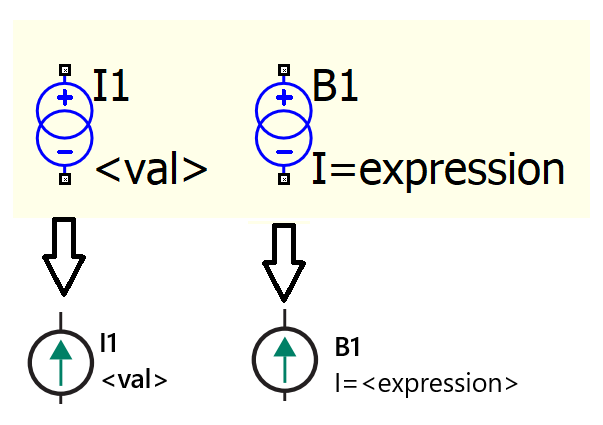
How to change the symbol of the normal and behavioral current sources to look like below?
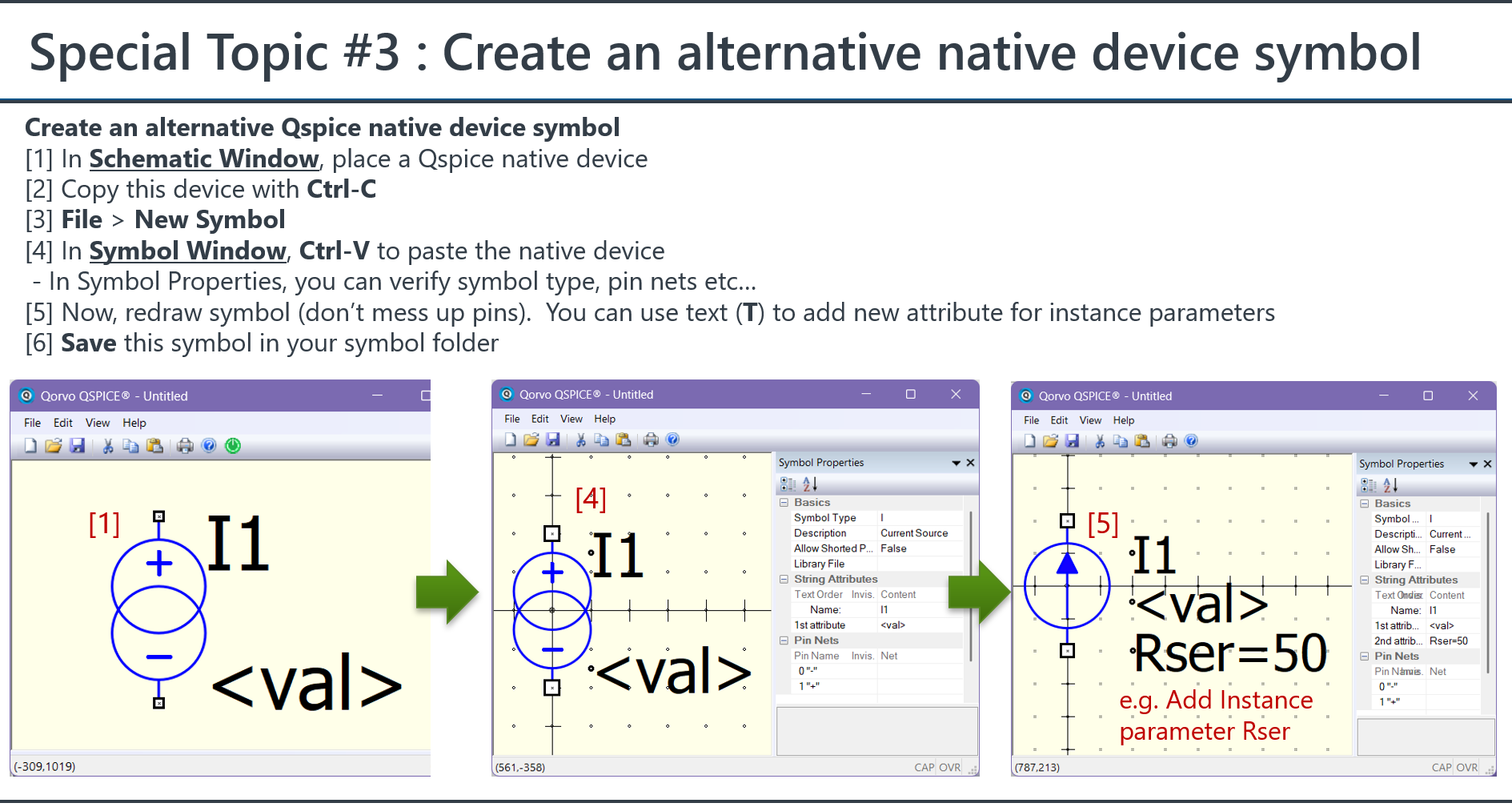
Please refer to @KSKelvin document for the details guideline.
Here is procedure to create an alternative native device symbol. Well, you cannot change the default, only to create symbol and put into your symbol folder and drag to use.
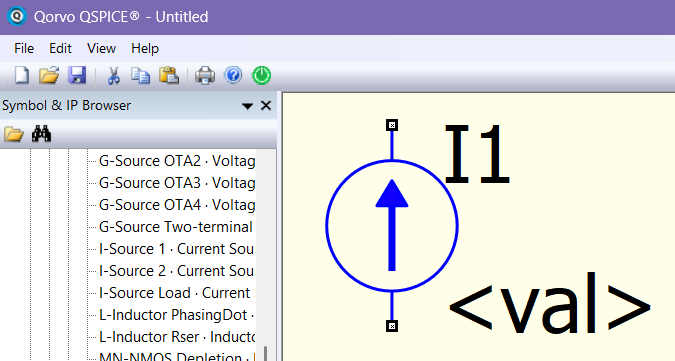
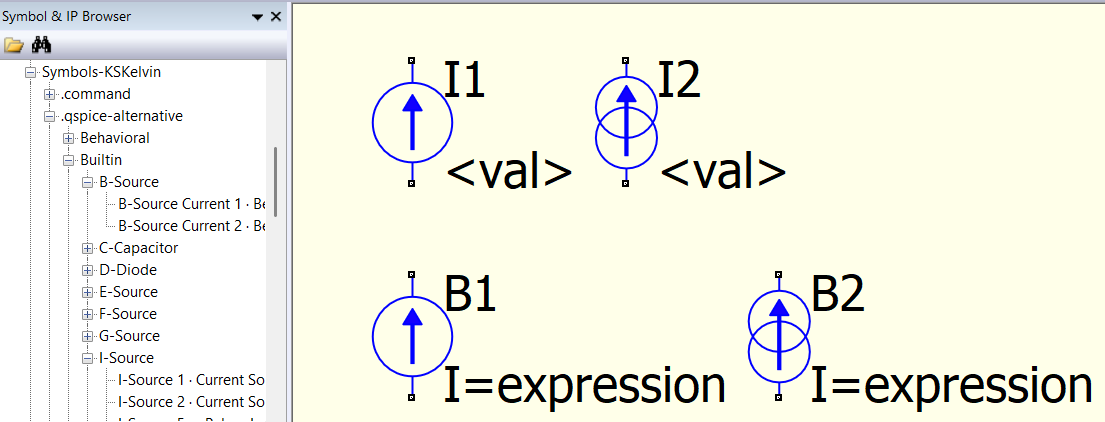
I have Qspice alternative symbols in my Qspice symbol library, here are Github link to download B-source and I-source as what you shown above.
B-Source Current 1.qsym (Github link)
I-Source 1.qsym (Github link)
My custom symbols have been relocated; here is the updated GitHub link (as I can no longer edit the post above).
I-Source Alternative Symbols in KSKelvin-Github/Qspice (external link)
B-Source Alternative Symbols in KSKelvin-Github/Qspice (external link)
Or, scroll down this page and read the instructions to download the entire symbols library for use.
Qspice/Symbols-KSKelvin (external link)
Any idea why you cannot edit it? Is it because it was marked as a solution? (I suppose that that would make sense.) Just curious.
–robert
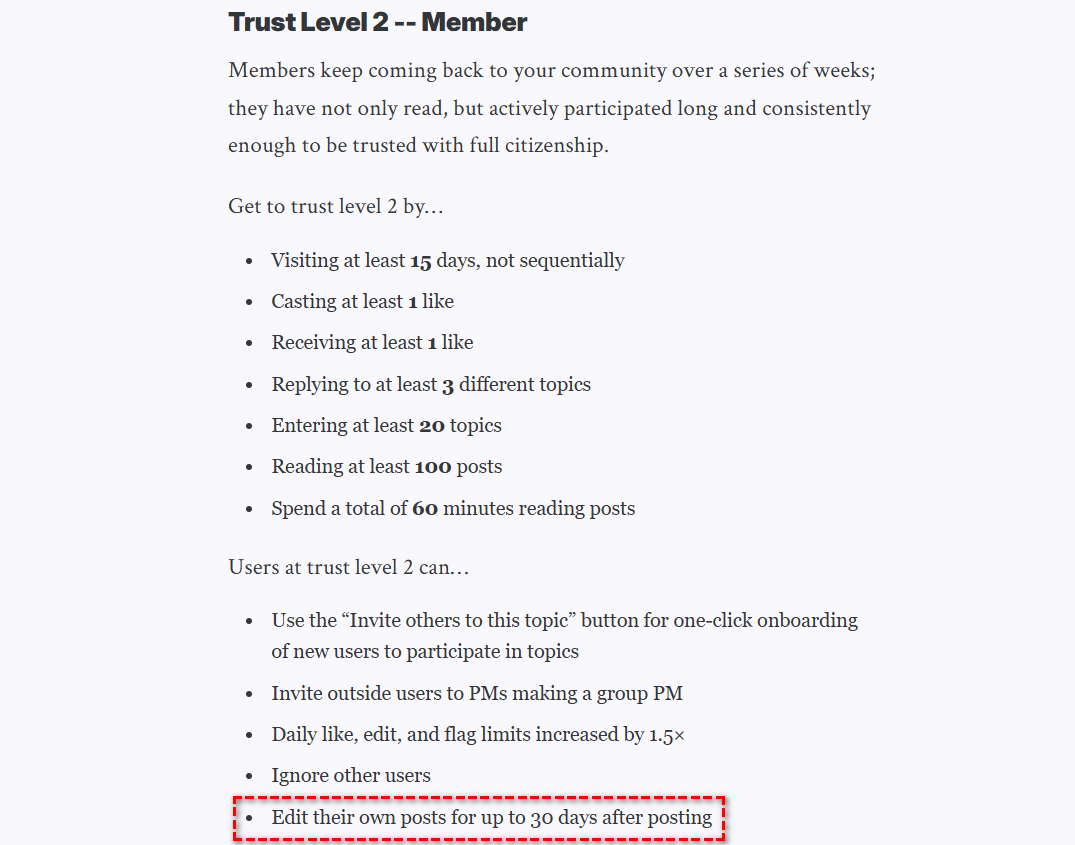
It seems that after a period of time, the post is locked regardless of whether it has been marked as a solution. I guess may be editable for up to 30 days; I just looked through my old posts and noticed that the most recent one still showing an edit icon is from about 30 days ago.
(Solution post can be edited, if within 30 days)
I am not sure if this is related to forum trust levels. I appear here quite frequently, and my current trust level is ‘Regular.’ Trust level can affect what you can do in this forum.
I found a reference in the trust levels explanation. This represents we both can edit post within 30 days.
Understanding Discourse Trust Levels