A schematic would have been more helpful. I think what you have is a component marked “Do Not Stuff.” Please correct me if I’m wrong.
So, here’s my analysis: I think the color is (RGB) 0xBFBFAE. Mike stores colors in BGR order so the registry value should be 0xAEBFBF. I don’t see either one anywhere in the registry preferences.
I’ve been dissecting the *.qsch/*qsym format over the last couple of weeks. The way that a component is marked as “Do Not Stuff” or “Stuff With Jumper” is to set a bit flag on the component-level record. I think he simply masks the component elements (lines, text, etc.) to the above color hardcoded in QSpice.
In summary, I assume that we don’t have a way to change this unless someone asks Mike to add it to the registry.
And, of course, I could be wrong what with the above being reverse-engineering.
Arief, just a tip about your batch files: You end them with “exit”. If a user is running your batch file from a command prompt window, it exits the command shell immediately. I think that it would also terminate any batch process that executes your batch files. Might not be what you intend. See exit | Microsoft Learn.
I posted v1.1 of the QColorPrefs project. Will do a bit more tomorrow (hopefully) to make it more flexible and improve the documentation.
@KSKelvin I included *.qcolorpref files to apply your Matlab light and dark themes to the waveform viewer.
@physicboy I think that I’m capturing all of the schematic/waveform elements that you wanted now. Please confirm.
OK, I can’t post a third reply until someone replies. So, I’m editing the last post…
Updated to v1.2. Changes include:
Separate switches to retrieve (save to *.qcolorpref) or restore (to registry) all values or only schematic or waveform color values.
Improved documentation (I think).
So, let’s say that you have a nice color scheme for waveforms that you made using the GUI. You can either save that set of waveform colors (-swav) or all schematic and waveform colors (-sall).
If you saved the settings using -sall (all schematic/waveform color settings), you can restore only the schematic colors (-rsch), only the waveform colors (-rwav), or both (-rall).
Since I see this as mostly useful for switching between color themes for dark (for GUI) and light (for printing) waveform themes, I’ve included Kelvin’s Matlab light/dark themes.
This brings me to a final possible change: I’m currently saving/restoring the “Number of Colors” for waveforms. So, if you use restore from “Matlab_Dark” or “Matlab_Light”, the number of colors that QSpice will use to auto-color traces is restored from the *.qcolorpref to 12.
I think that this should be set by the user and not overwritten when writing the trace colors to the registry. What do you think?
I think to suggest adding this line, since sch junction size is still related to GUI:
reg add “HKCU\Software\Marcus Aurelius Software LLC\QSPICE[Preferences]” /v JunctionSize /t REG_SZ /d 2.0 /f
its nothing major though, everything else looks great…
and for the “number of colors”, I prefer to just set by the program to choose 24 colors…because of the way Qspice handle waveform color to be used is global instead of local on each plot panel, 24 colors is really not that many.
@RDunn sorry for the delay I just managed to open my personal laptop. I tried opening your program in my working laptop, but that file was directly deleted by antivirus.
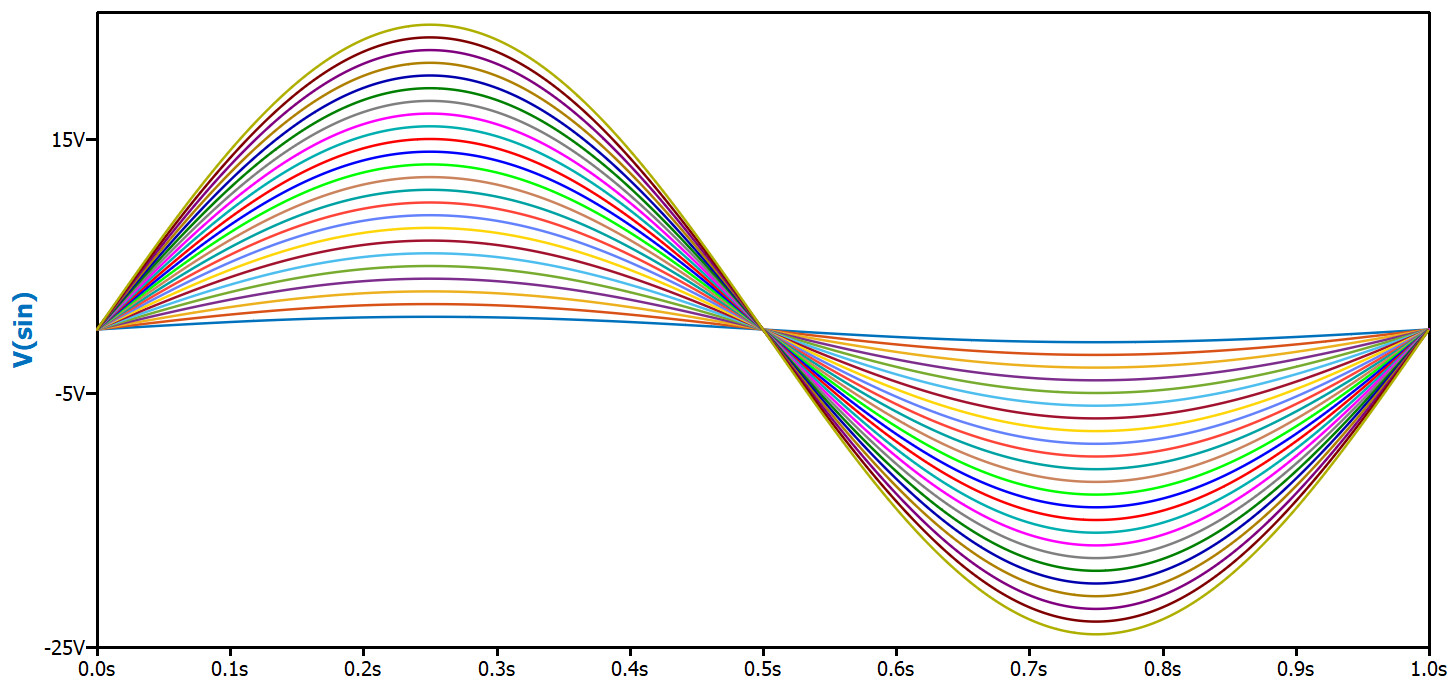
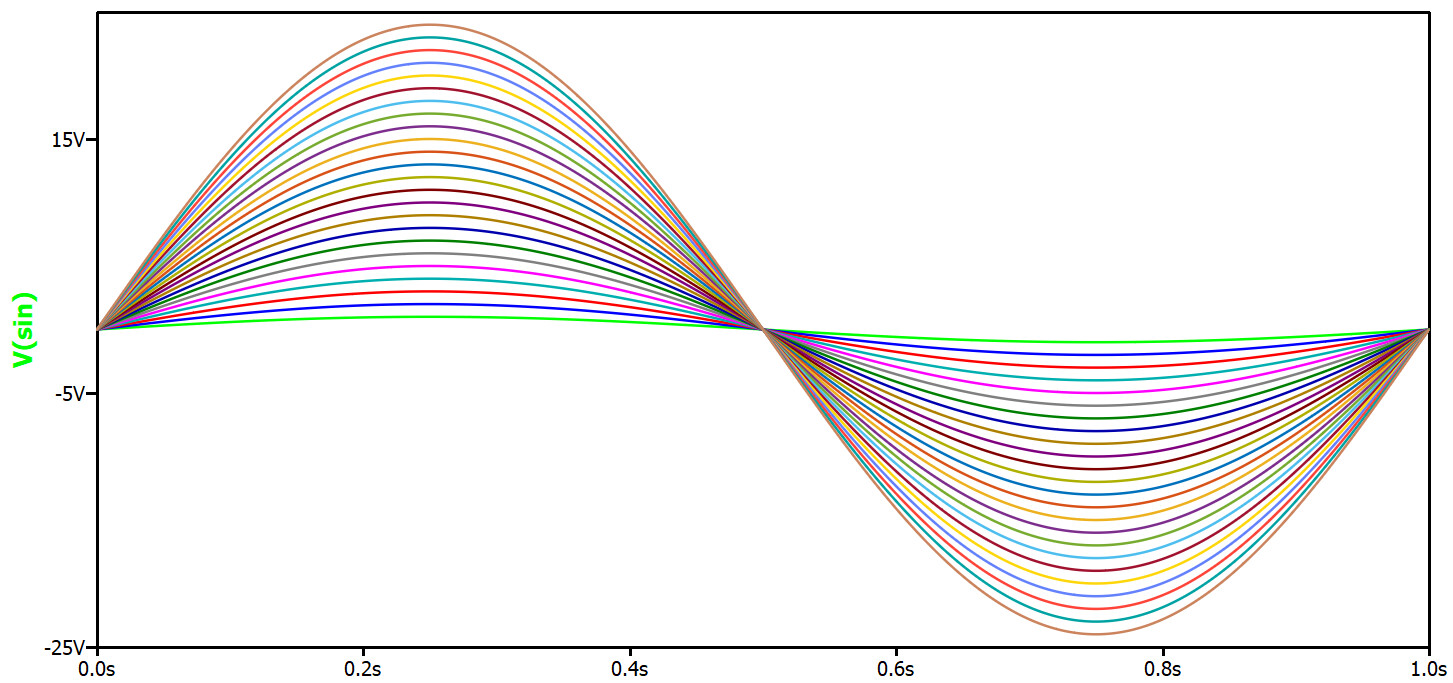
Well… do you think one of these patterns works for 24 colors? Merging the 12-color curve scheme from MATLAB gem12 and the LTspice default. I really cannot differentiate the 24 color pattern you quote from ChatGPT.
Channel 1-12 is matlab gem12 and channel 13-24 is LTspice default
@physicboy , @KSKelvin I’ve updated the repository with v1.3. Lot’s of new features, prettier repo presentation. Please do some testing (I’m playing with Claude.AI so let’s not assume that it’s solid code just yet.) Let me know what you think.