Hi everyone,
I am a student working on a EMC project and I’m quite new to the world of SPICE and QSpice. I am having some trouble correctly importing a specific MOSFET model from Infineon.
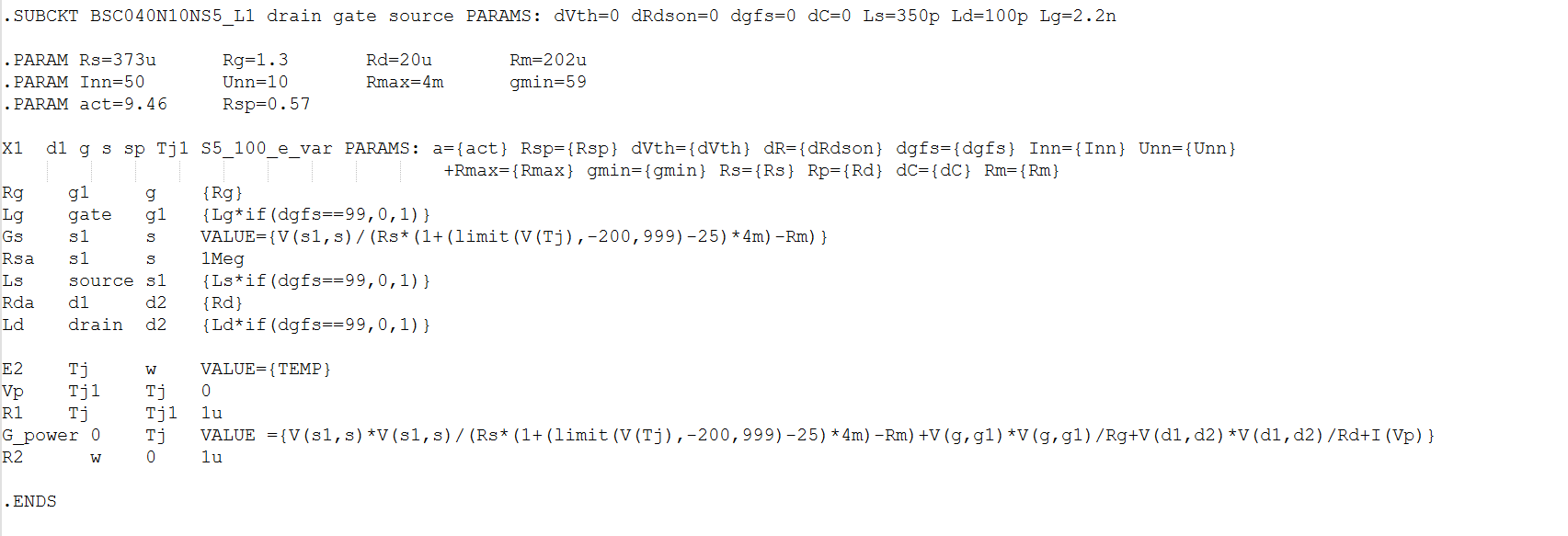
I am trying to use the BSC040N10NS5_L1 model, which is located within the infineon_optimos100V_n_models library. I understand that Infineon provides four levels of complexity for their models, and I am specifically trying to target the Level 1 (_L1) version.
However, whenever I try to run the simulation, QSpice returns errors stating that certain subcircuits or definitions are missing. It seems like the L1 model depends on other parts of the library that are not being correctly recognized or linked when I place the component.
As a beginner, I’m not sure if I need to use a specific .include command or how to properly point QSpice to the internal subcircuits within that specific library file.
Could anyone provide a brief explanation or a “best practice” guide on how to handle these multi-level Infineon libraries in QSpice?
Thank you for your help!
Best regards,
Janez Ovsec