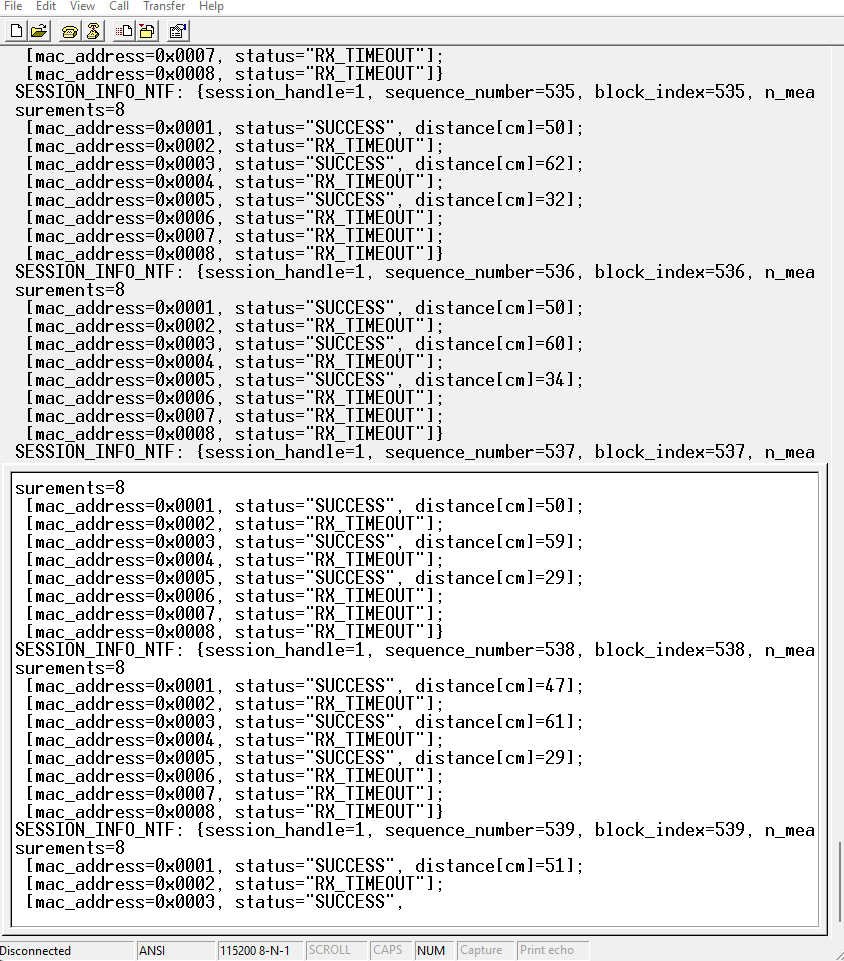
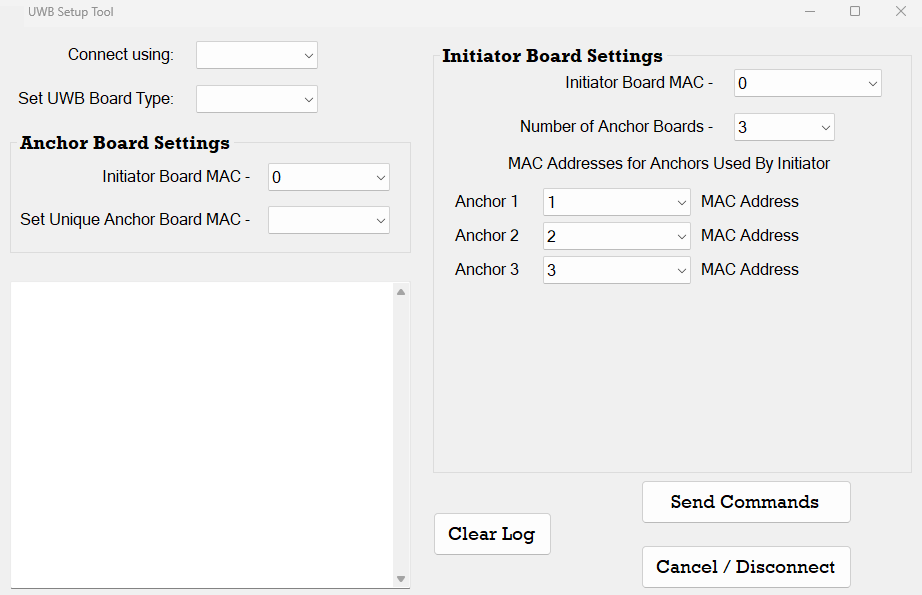
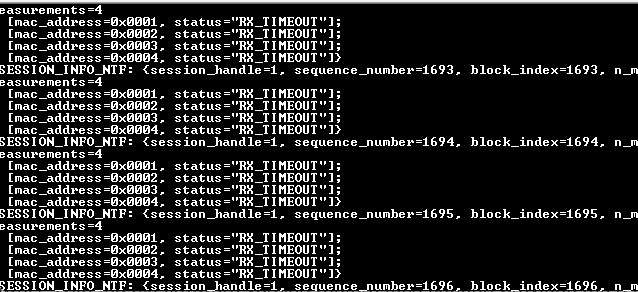
I am using several DWM3001CDK boards (1-initiator MAC0 and several anchors). I thought I had everything working and was testing going through each of the MAC numbers for the anchors. I have by default the initiator set as MAC 0 and I was going to have the anchors as MAC 1-8 (8 anchors in total).
The problem I came across is 1 board I can set it as an anchor with a MAC value of 1,2,3,4,6,7, or 8 and it will work normal. However, when I set the board as MAC = 5, then when I view the Initiator stream I see the anchor MAC 5 respond with a value one or two times, and then after that it doesn’t report a distance again? It just shows timeout like the other MACs (nothing attached to them at the moment, only sending info from 1 MAC at a time, just confirming each MAC setting can work).
These are the values sent to the board in the order I send them (programmed for CLI operation).
STOP
RESPF -MULTI -ADDR=5 -PADDR=0
STOP
SAVE
SETAPP RESPF
SAVE
These are the responses I read back from the board during the process of setting it up:
SESSION_STATUS_NTF: {state=“INIT”, reason=“State change with session management commands”}
SESSION_STATUS_NTF: {state=“IDLE”, reason=“State change with session management commands”}
SESSION_STATUS_NTF: {state=“ACTIVE”, reason=“State change with session management commands”}
SESSION_INFO_NTF: {session_handle=1, sequence_number=0, block_index=0, n_measurements=1
[mac_address=0x0000, status=“RX_TIMEOUT”]}
SESSION_INFO_NTF: {session_handle=1, sequence_number=1, block_index=1, n_measurements=1
[mac_address=0x0000, status=“RX_TIMEOUT”]}
SESSION_INFO_NTF: {session_handle=1, sequence_number=2, block_index=2, n_measurements=1
[
ok
RESPF -MULTI -ADDR=5 -PADDR=0
FiRa Session Parameters: {
SESSION_ID: 42,
CHANNEL_NUMBER: 9,
DEVICE_ROLE: RESPONDER,
RANGING_ROUND_USAGE: DS_TWR_DEFERRED,
SLOT_DURATION [rstu]: 2400,
RANGING_DURATION [ms]: 200,
SLOTS_PER_RR: 25,
MULTI_NODE_MODE: ONE_TO_MANY,
HOPPING_MODE: Disabled,
RFRAME_CONFIG: SP3,
SFD_ID: 2,
PREAMBLE_CODE_INDEX: 10,
STATIC_STS_IV: “01:02:03:04:05:06”,
VENDOR_ID: “07:08”,
DEVICE_MAC_ADDRESS: 0x0005,
DST_MAC_ADDRESS: 0x0000
}
ok
SESSION_STATUS_NTF: {state=“INIT”, reason=“State change with session management commands”}
SESSION_STATUS_NTF: {state=“IDLE”, reason=“State change with session management commands”}
SESSION_STATUS_NTF: {state=“ACTIVE”, reason=“State change with session management commands”}
SESSION_INFO_NTF: {session_handle=1, sequence_number=0, block_index=0, n_measurements=1
[mac_address=0x0000, status=“RX_TIMEOUT”]}
STOP
ok
SAVE
ok
SETAPP RESPF
ok
SAVE
ok
This is the output from the Initiator and you can see how I was getting no response, then I plug in the anchor to USB and receive a distance value 2 times from MAC 5, but then after that it never reports a distance value again?
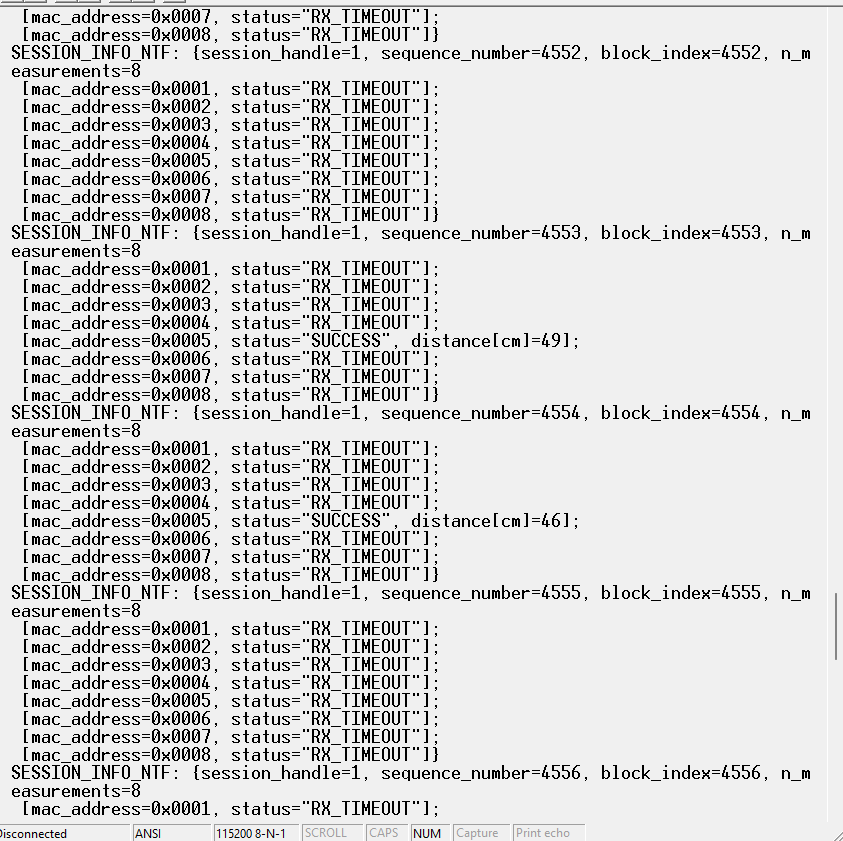
I only see this behaviour when set to MAC = 5
I can change the command to the anchor to MAC 6 as shown below:
STOP
RESPF -MULTI -ADDR=6 -PADDR=0
STOP
SAVE
SETAPP RESPF
SAVE
SESSION_STATUS_NTF: {state=“INIT”, reason=“State change with session management commands”}
SESSION_STATUS_NTF: {state=“IDLE”, reason=“State change with session management commands”}
SESSION_STATUS_NTF: {state=“ACTIVE”, reason=“State change with session management commands”}
SESSION_INFO_NTF: {session_handle=1, sequence_number=0, block_index=0, n_measurements=1
[mac_address=0x0000, status=“RX_TIMEOUT”]}
SESSION_INFO_NTF: {session_handle=1, sequence_number=1, block_index=1, n_measurements=1
[mac_address=0x0000, status=“RX_TIMEOUT”]}
SESSION_INFO_NTF: {session_h
ok
RESPF -MULTI -ADDR=6 -PADDR=0
FiRa Session Parameters: {
SESSION_ID: 42,
CHANNEL_NUMBER: 9,
DEVICE_ROLE: RESPONDER,
RANGING_ROUND_USAGE: DS_TWR_DEFERRED,
SLOT_DURATION [rstu]: 2400,
RANGING_DURATION [ms]: 200,
SLOTS_PER_RR: 25,
MULTI_NODE_MODE: ONE_TO_MANY,
HOPPING_MODE: Disabled,
RFRAME_CONFIG: SP3,
SFD_ID: 2,
PREAMBLE_CODE_INDEX: 10,
STATIC_STS_IV: “01:02:03:04:05:06”,
VENDOR_ID: “07:08”,
DEVICE_MAC_ADDRESS: 0x0006,
DST_MAC_ADDRESS: 0x0000
}
ok
SESSION_STATUS_NTF: {state=“INIT”, reason=“State change with session management commands”}
SESSION_STATUS_NTF: {state=“IDLE”, reason=“State change with session management commands”}
SESSION_STATUS_NTF: {state=“ACTIVE”, reason=“State change with session management commands”}
SESSION_INFO_NTF: {session_handle=1, sequence_number=0, block_index=0, n_measurements=1
[mac_address=0x0000, status=“RX_TIMEOUT”]}
STOP
ok
SAVE
ok
SETAPP RESPF
ok
SAVE
ok
Then with the same board set to MAC = 6 I get the following normal responses:
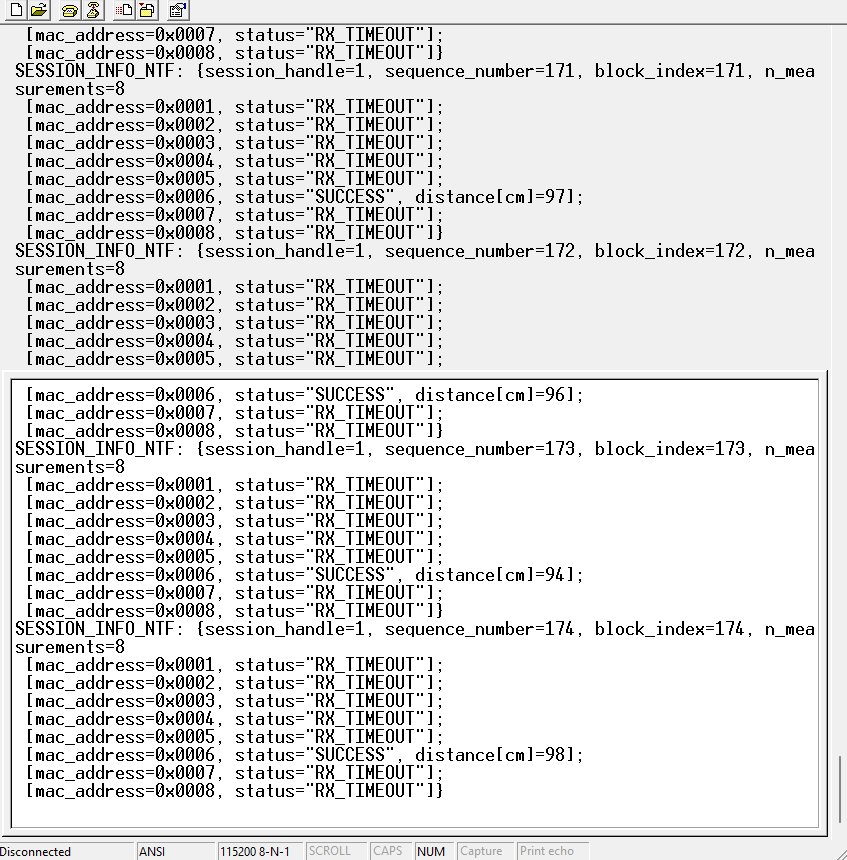
So why is it this same board will only briefly report the distance when the MAC is set to 5, but any other value it reports fine?
And just to clarify, I have no other boards running other than the 1 Initiator and this anchor board. So there shouldn’t be any reason for interference.
Thanks,
Clint