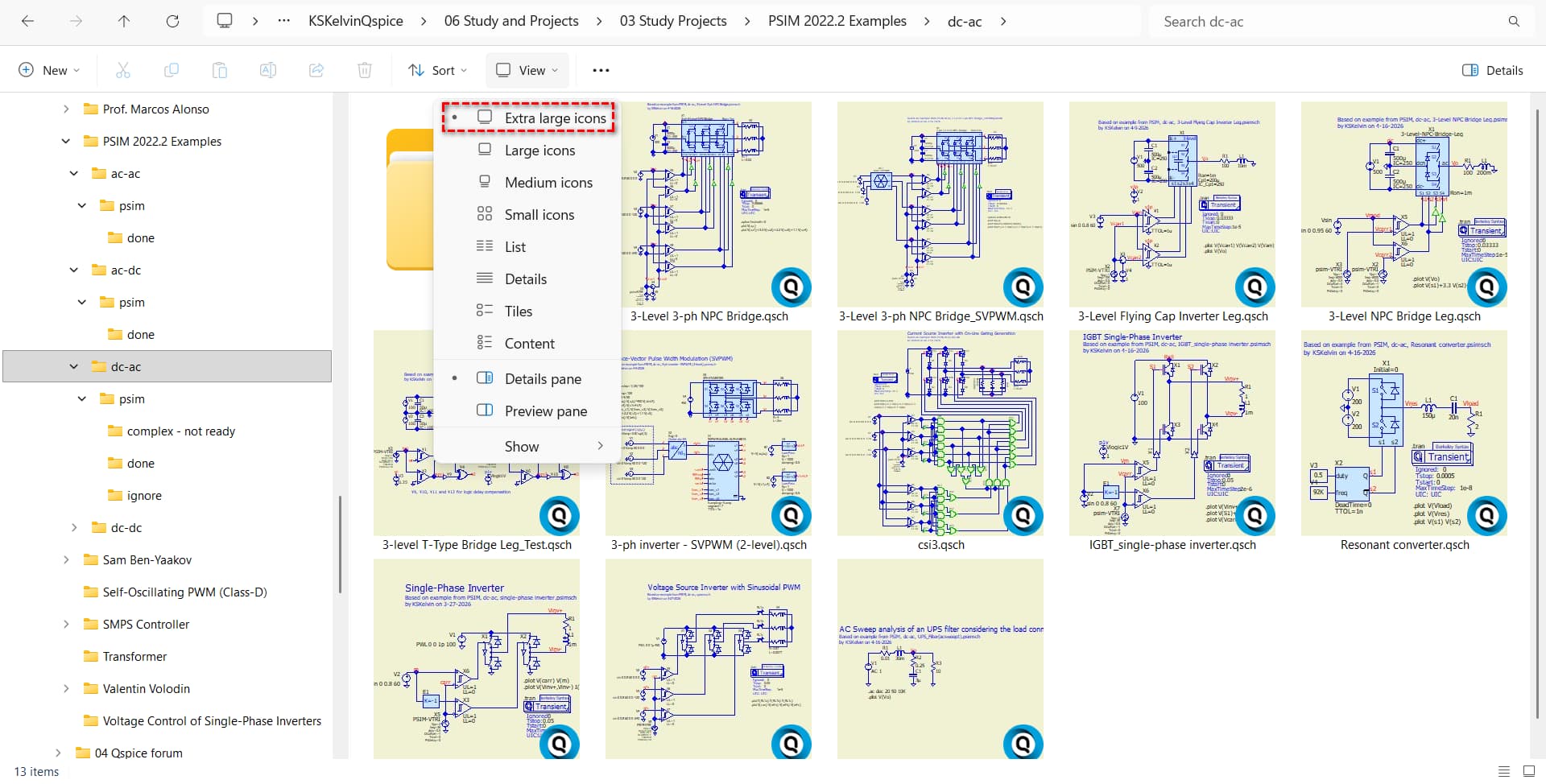
If you need to search for a QSpice schematic, an easy way is to set the View to Extra large icons in File Explorer. Thumbnails are available for .qsch files and can aid your search. I was aware of this technique for .qsym symbols, but I just realized it also applies to schematics. Even after three years of working with QSpice daily, I still missed this trick!
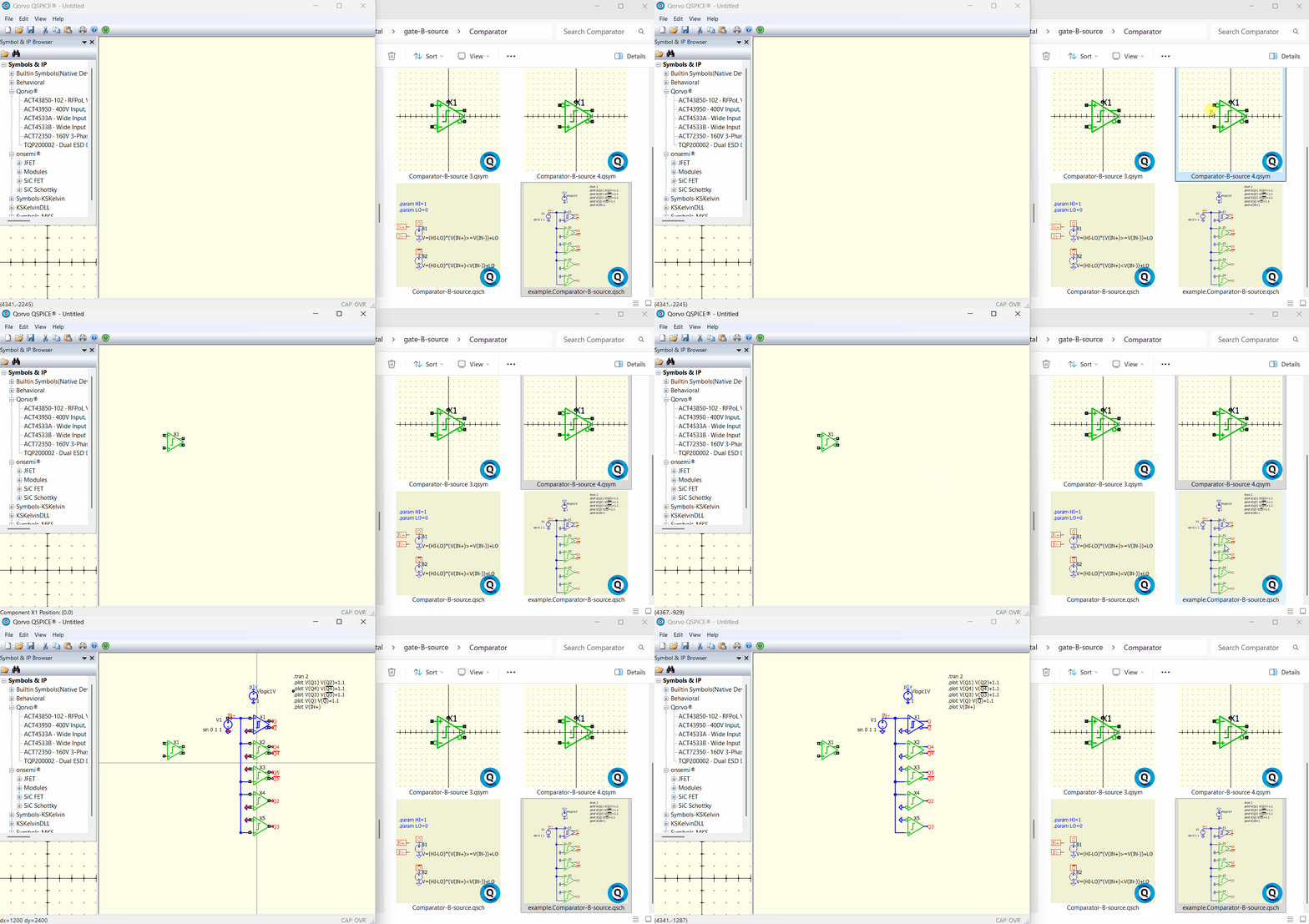
Also, you can drag a symbol or a schematic in File Explorer directly into the QSpice schematic window. This is particularly useful before a symbol has been added to the Symbol & IP Browser.