A snapshot uploaded below 70_Verilogbus. The main PyQSPICE module / methods are not updated yet but this .ipynb notebook contains flattened code.
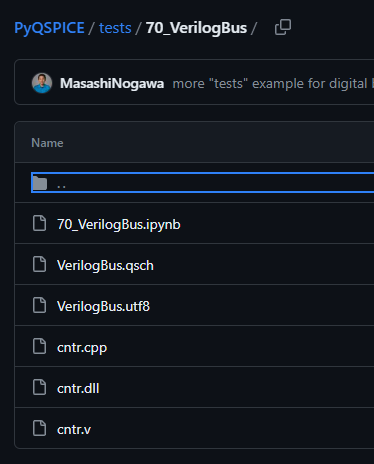
- Maybe re-compile needed on your QSPICE schematic window from the cntr.v Verilog file (though I uploaded DLL binary which is working for me).
- I’m using ipympl module for an interactive plot area on Jupyter Lab.
Please install it as needed. - Once everything’s good, you will have a plot area (below).
Mouse hover will show cursor reading of bus value. - Lower grid of sine wave is nothing but for mixed signal plotting example


- Interactive procedures on matlab can do bus signal (3:0) stacking / separation…not implemented yet.
- This mouse reading is slow…no optimization implemented yet.
- I’m not changing bus value text font size, so a frequently changing bus plot will be messy but zooming into the plot will your label visible.
I have fragments of codes for “range slider” to zoom in x-axes (= time) but commented out now in the ipynb (not fully working in a pretty manner). - I’ll wrap this bus plotting routine as new PyQSPICE method so to make it happen with less user code.