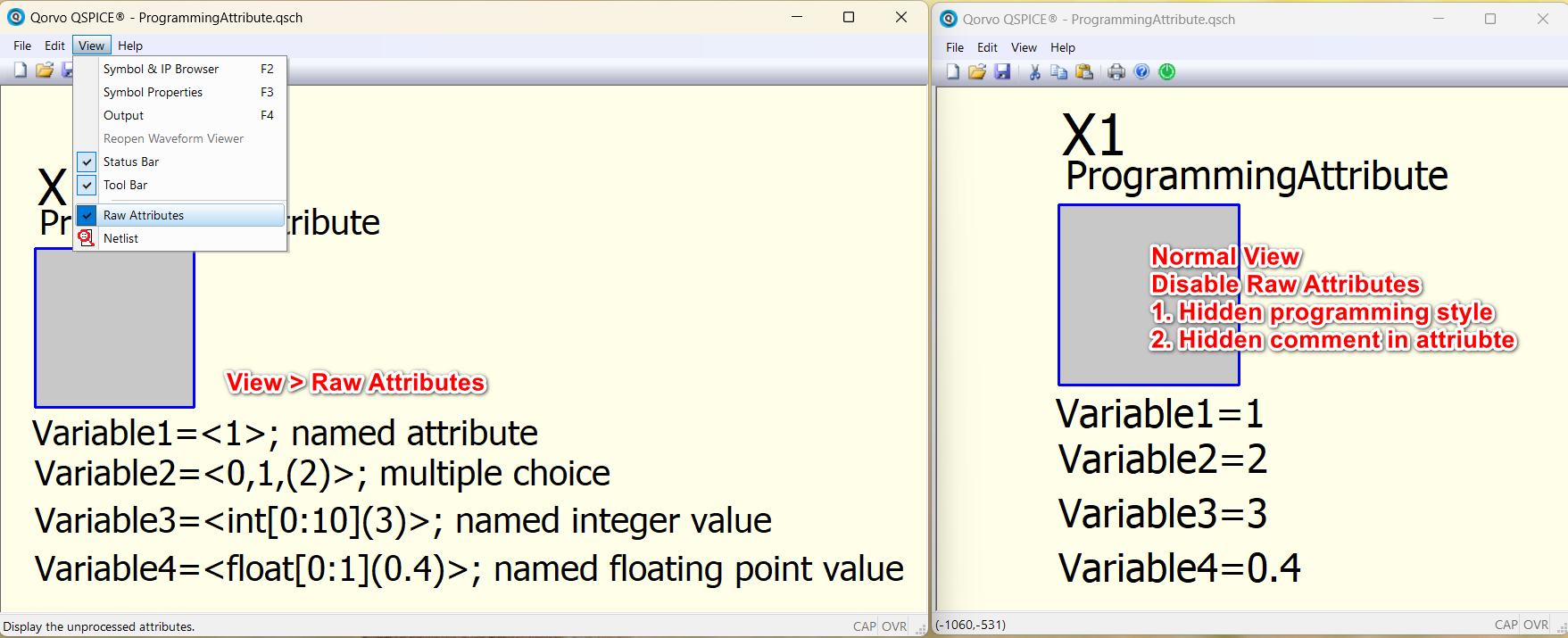
Well, because Kelvin is a very clever dude. He’s using a feature available only when creating a *.qsym file:
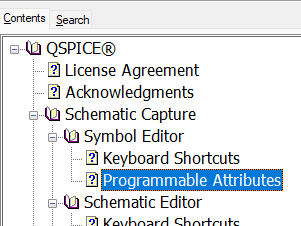
If you open his *.qsym, you’ll see this:
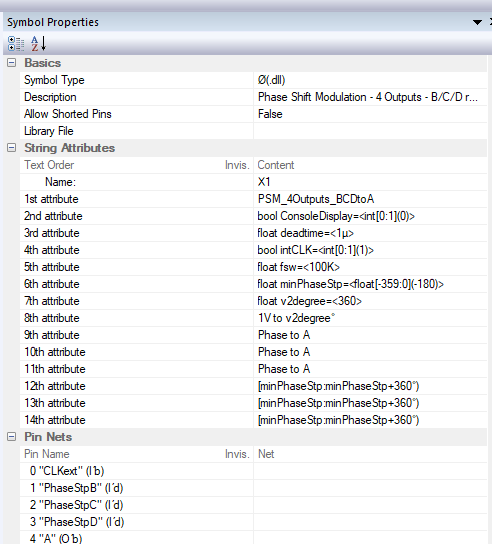
When the symbol is dropped into a *.qsch, you see this in the schematic:
Does that help?
–robert
Well, because Kelvin is a very clever dude. He’s using a feature available only when creating a *.qsym file:
If you open his *.qsym, you’ll see this:
When the symbol is dropped into a *.qsch, you see this in the schematic:
Does that help?
–robert
@KSKelvin would almost certainly give a better explanation but here’s a bit more information since this feature hasn’t been discussed much in the forum…
The Programmable Attributes are available only within a *.qsym. (I think that they can be used in a *.qsch but they get quirky about editing so I don’t suggest trying that. I asked Mike Engelhardt about them long ago and his response suggested that he intended them only for symbols.)
I can only guess but I think the reasoning is this: When you are using a symbol that passes attributes to a DLL, the user shouldn’t be able to change the data types being passed. He should be able only to change the value. And maybe the user should only be allowed to set certain values – limited range, values from a list, etc. The Programmable Attributes feature allows the symbol developer to enforce these restrictions.
–robert
oh, I finally realize the question is about programming attribute! 
Well, do you still have problem after Robert explanation?
One more trick, in menu, View > Show Raw Attribute
It will show you exactly how I setup the programming attribute in that symbols.
@RDunn programming attribute can be used in schematic with this trick, without the need of going to Symbol Window.
I’ll give it a try. Thanks!
ProgrammingAttribute.qsch (687 Bytes)