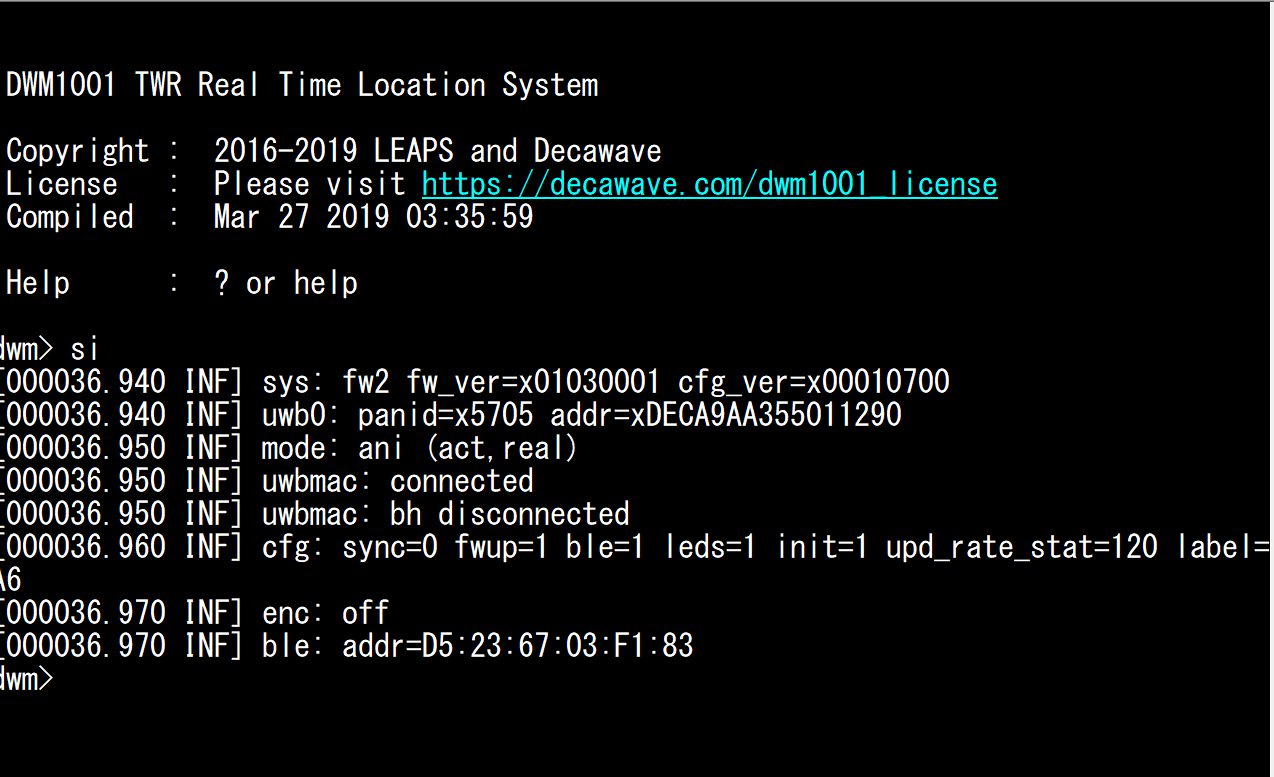
I have purchased a MDEK1001 kit few weeks ago. After setting up anchors and tag and confirmed performances in a simple 2 by 2 meters square, I’m looking now towards adding a gateway node to this network.
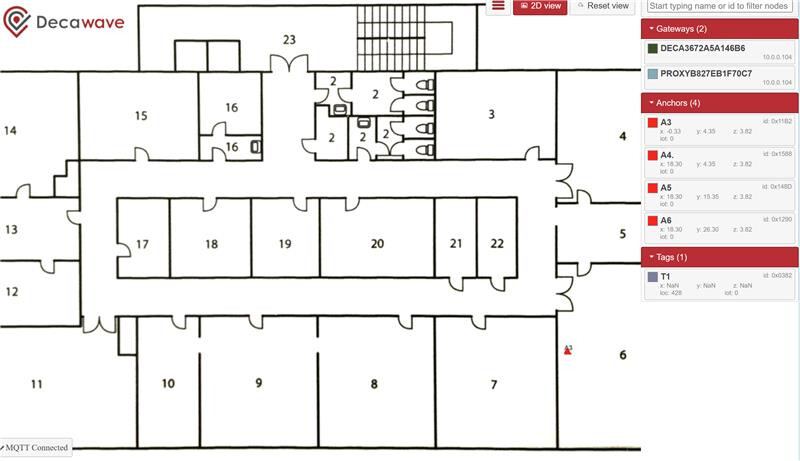
After following the steps in the gateway setup pdf file in the documentation package, it turns out the bridge can’ t detect others nodes in the network resulting in an empty RLTS manager web GUI.
After investigation, I have found 2 possible issue:
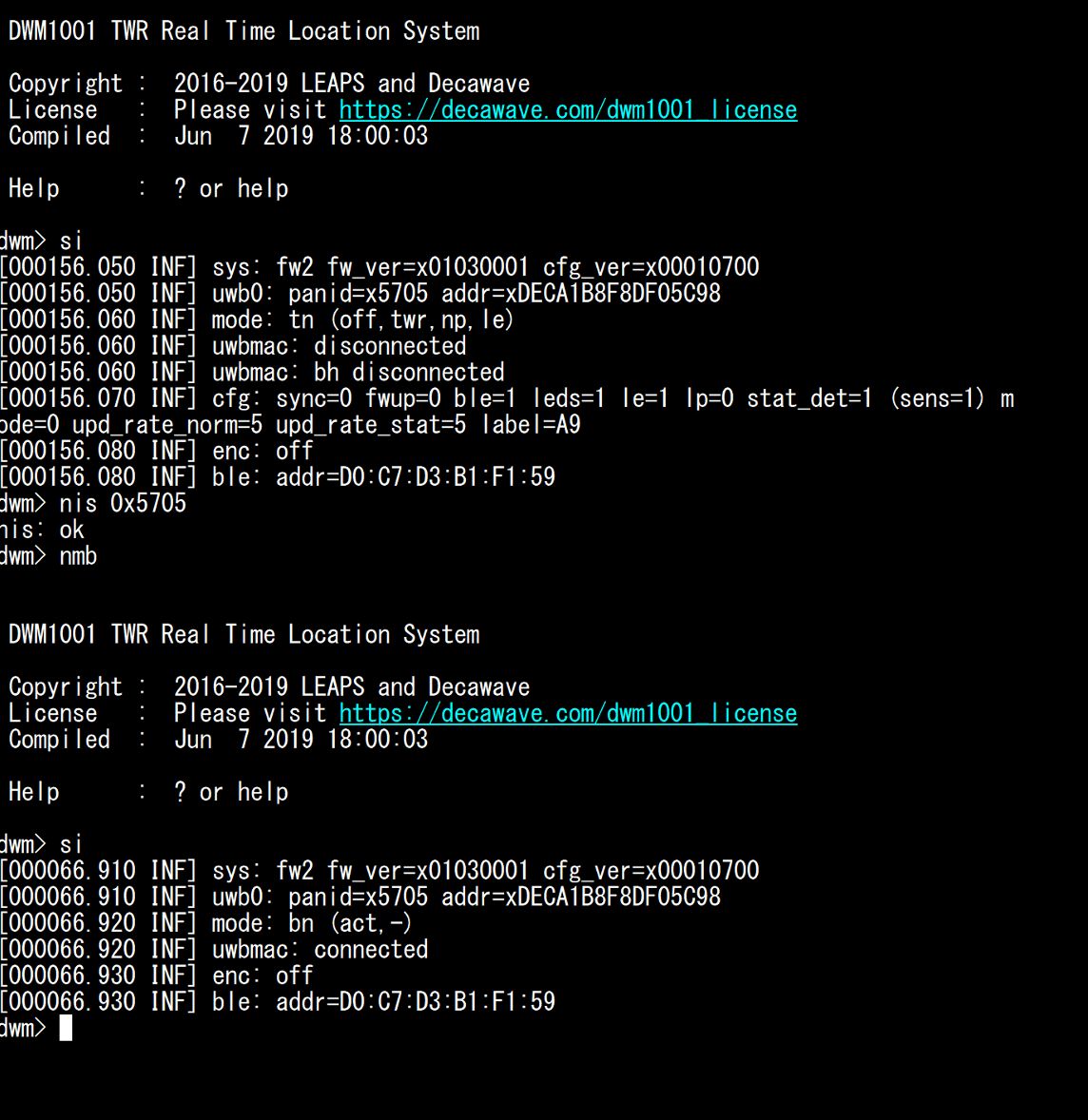
The bridged DWM1001 UWB communication is off - I have no possibility to turn it back on. It looks like once the node is setup as a bridge in the network by UART commands (after nmb), the bluetooth and UWB signals turn off.
The PI image mentioned in the pdf is v2.1 while we are using v2.0 from the documentation package. Does that can cause a compatibility issue between the PI and the DW chip ? I could not find the 2.1 file. If you do have it, can you please provide it ?
When the device is in Bridge mode, the BLE is turned OFF due to the strict timing between the firmware and the Linux Kernel module on the Raspberry Pi. Bluetooth would cause latency for the backhaul communication.
If you use the Raspberry Pi image provided on the link below (Documents → Raspberry Pi 3B Image for DWM1001C) then it should work
Please ensure your version of Raspberry Pi is 3B and no other version.
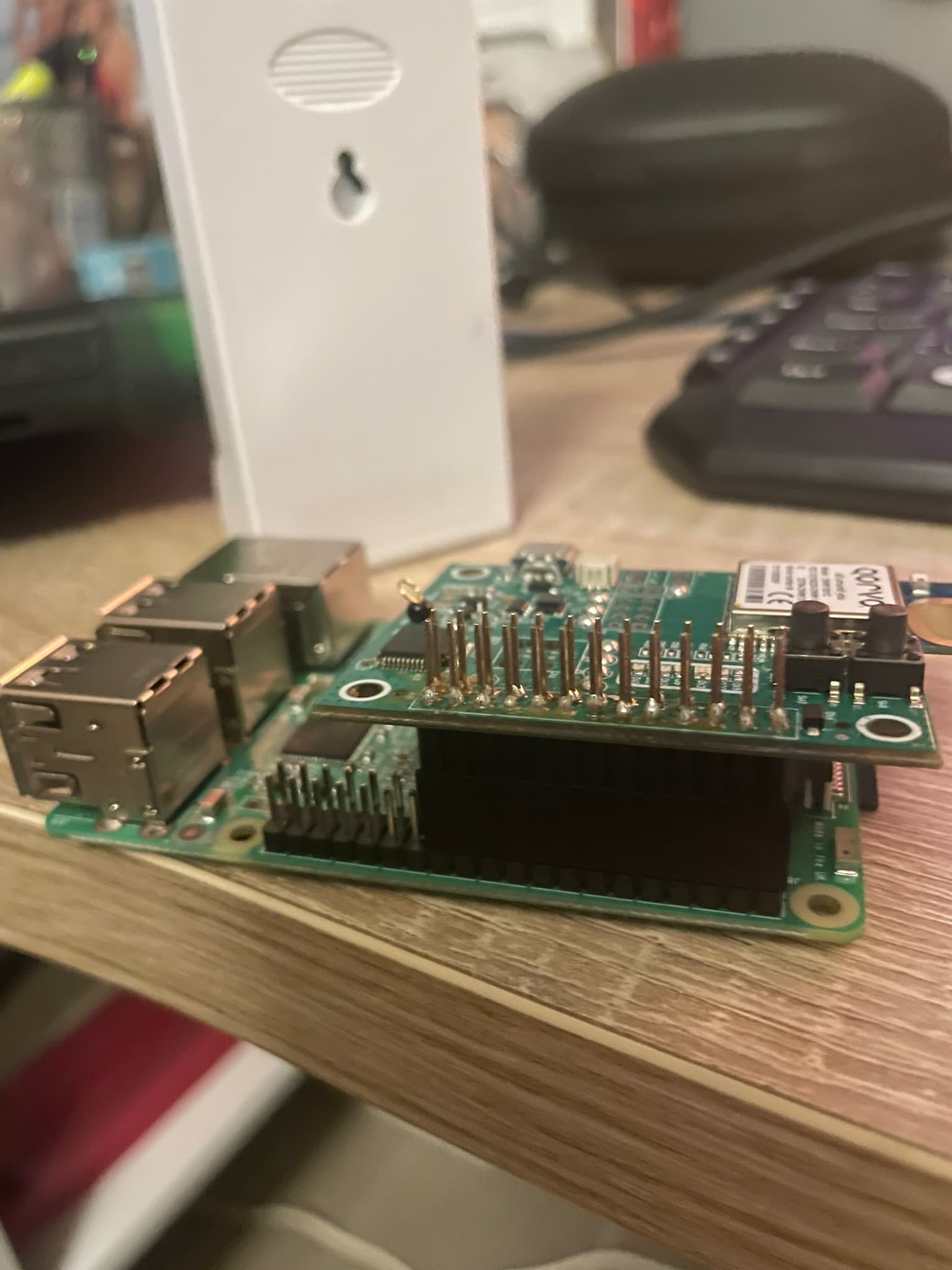
Also ensure that the 40-pin header is correctly soldered into the DWM1001-DEV board.
On the gateway, you should configure the gateway using the .conf file on the Raspberry Pi filesystem and not by the terminal. I would suggest to factory reset the firmware using: frst command and retry it.
the PI is plugged to a router with an ethernet connection.
After I typed the following command and completed the “4.1 Bridge node setup and configuration” and turn on pi + DWM1001DEV :
nis 0xXXXX (my network ID)
nmb
then I cannot access the UART anymore so I can’t use frst as you are recommending.
The double press on ENTER in the Tera Term does not allows me to enter the UART anymore.
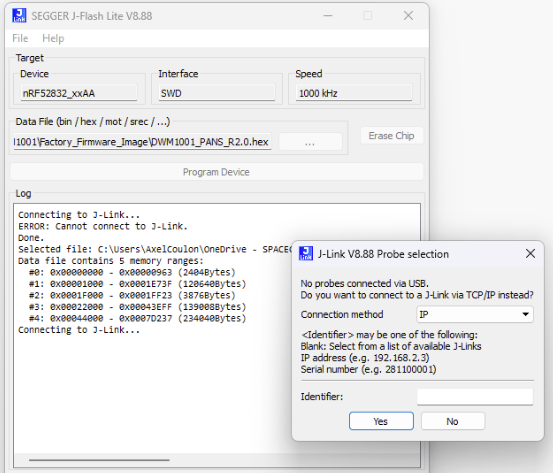
The same way, the debugger is not even found through JLINK. (see image attached)
It really looks like everything is blocked on the chip once it has been set to bridge mode. Which would explain also why I dont detect the other UWB anchors and why they do not appear on the web RTLS interface.
Please, how can i reset factory the DWM1001-DEV without the UART? is there a hard resetting hardware button?
From your description it more looks like that the board lost its power source - please check the USB cable.
The onboard Segger IC is independent on the DWM module. From your screenshot it looks like the onboard Segger programmer can not be found - which likely happen when it the DWM1001C-DEV is not powered.
No I did not solve my issue. After trying with different laptops (as I though maybe mine could not detect the JLINK debugger of the DWM1001DEV) I figured out that:
using my MAC I successfully detected and connected to the JLINK allowing me to flash the boards. I then added them back to my network using RTLS manager.
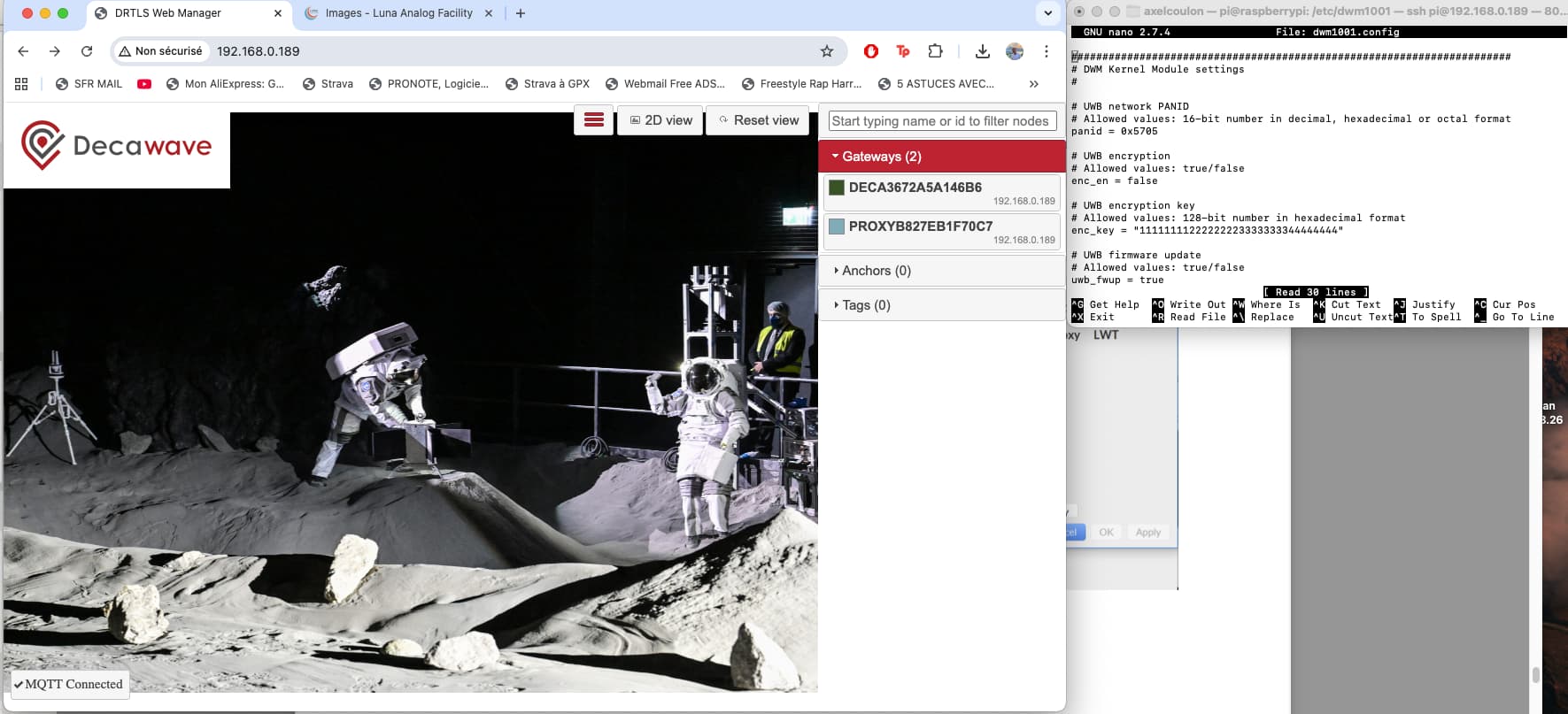
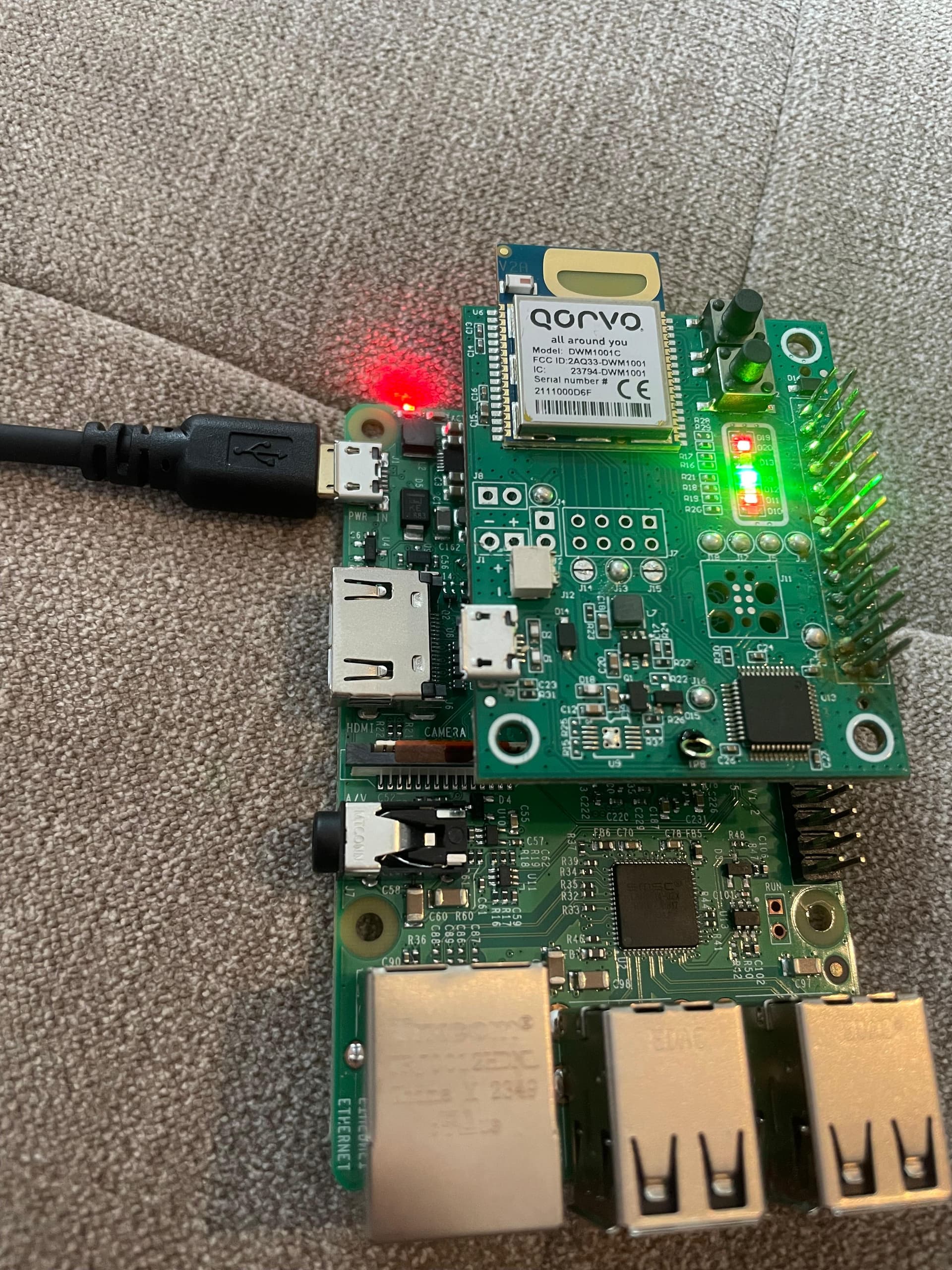
I flashed also the pi and configured the wpa_supplicant.config file. I then changed the panID to my network ID by ssh into the pi. Then I added on top the gateway DWM1001-dev and I turned on everything.
by connecting to the ip of the pi using chrome, I only detect the gateway but not the anchors nor the tags.
Conclusion: after setting up the gateway in the UART using terra term, it does not detect anymore the other tags and anchors. And I can’t access the UART anymore after.
Could you help me on this?
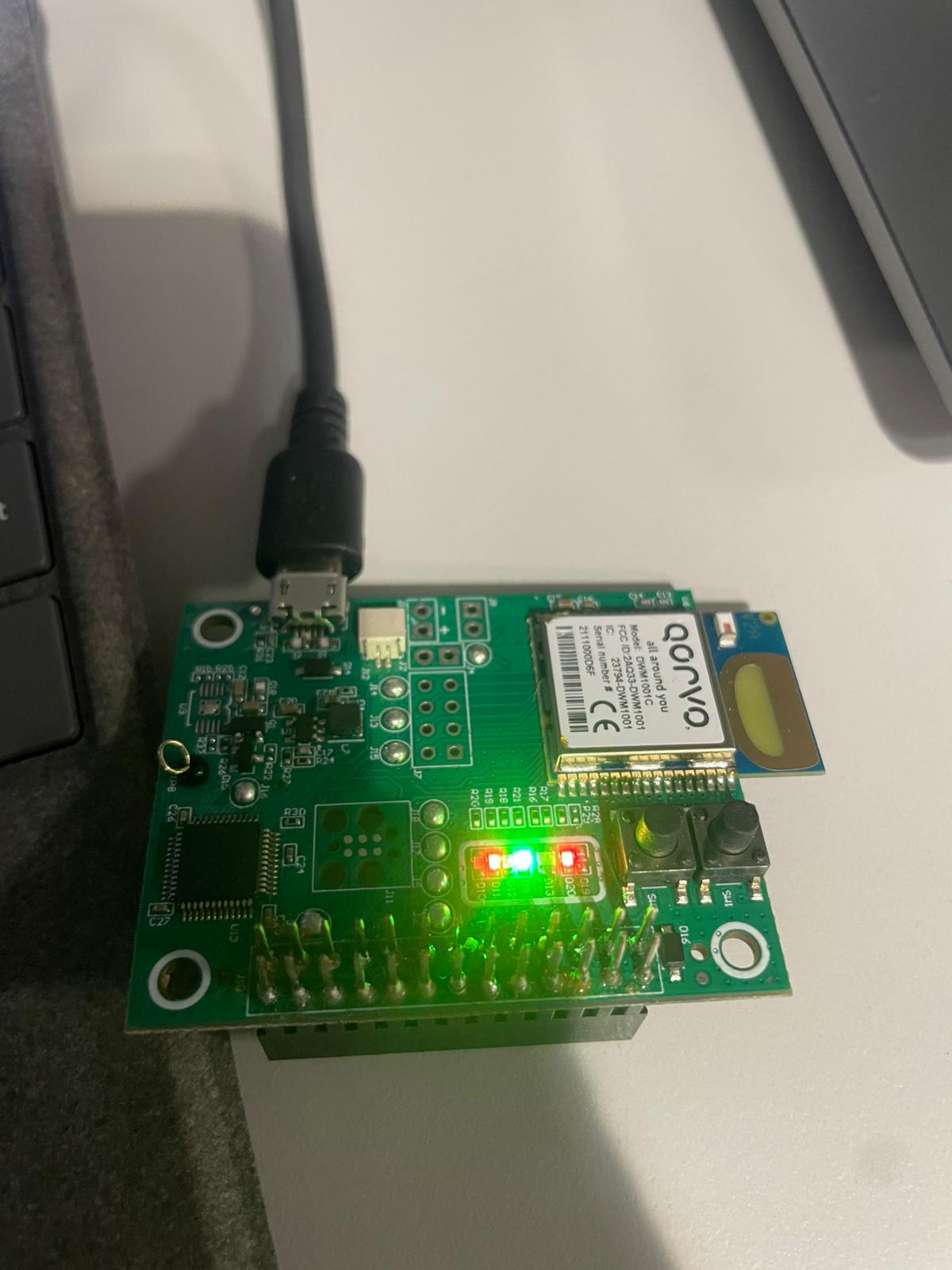
Is it possible that the gateway is fried? although I think I soldered it correctly. can you confirm it to me (see picture) ?
I really need to get this gateway working asap.
thanks,
Axel
By BN, you mean the bridge?
As I told you, I can’t access anymore the UART on the bridge. I do press double times “enter” on terra term and the BN is not letting me in. I did succeed in the first time, typed “bn” to set the bridge node, then i soldered it to the pi and booted everything ON. after that i could not connect to the UART anymore again. Here are the LEDS of the bridge. The red and green light at the bottom are blinking once every second.
what do you think?
Hi @axelcln
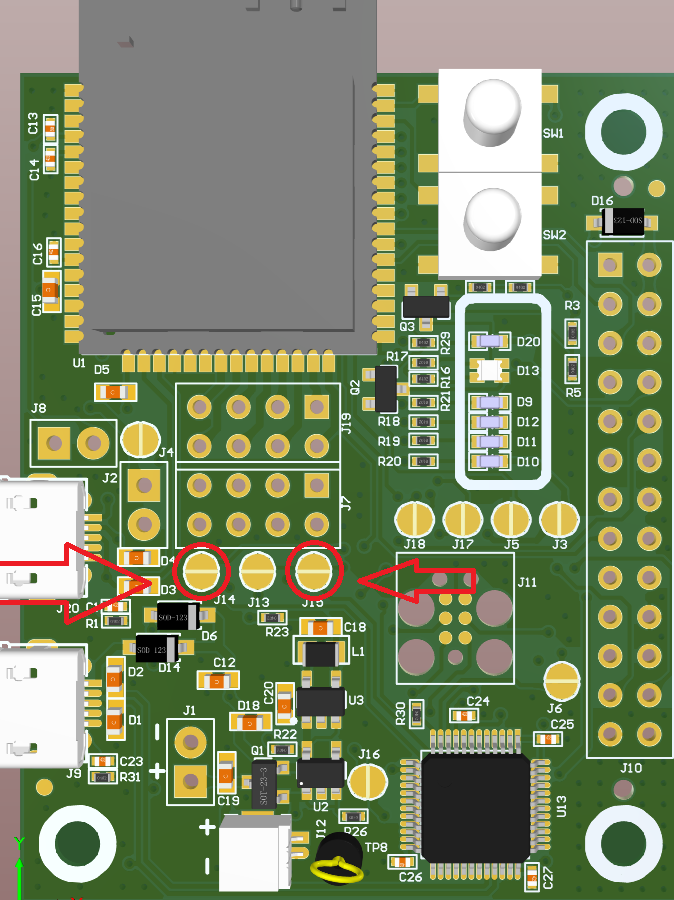
it looks like you have somehow burned the dev kit. More likely only the programmer part which makes the UART inaccessible. Good news is that it looks like the DWM1001C is programmed and it still can be used.
The picture is from DWM3001CDK but it should be the same on DWM1001-DEV. Once you haev done this, then try to connect to the DWM1001 from via the rapsberry pi UART.
The RPi uart might need to be enabled in the RPi OS - you can use the
sudo raspi-config
then select 3 Interface options, then I6 Serial port , then No (no shell) and then Yes (you want access). They you should beable to access the RPI UATT to communicate with the DWM1001C.
Hi @axelcln
can you connect to he GW UART via the Raspberry PI uart?
Regarding your process. I think it is OK but to have working RTLS you need to have at least following configuration: 4x AN + 1xTX + 1x BN. Also you need to update the configuration file with the correct PANID.
I would take it form beginning -
Start with creating UWB RTLS network - 4x AN without bridge
Add TN - swithc it to TAG node (nmt) and configure its PANID (nis) so you can see the LES output on the TAG node.
Add the gateway and update its configuration file with the correct PANID number.
Hi,
so i powered on more anchors and tag and I used an ethernet connection to my router and disabled everything but the serial and remote GPIO access in the raspi-config and it could detect the anchors!
Hi @axelcln
if this a business project then please contact us here: https://www.leapslabs.com/about scroll down to Get in touch form. We have a better solution then the RPi as gateway.