Here’s a feature suggestion that I and I think others might find useful.
It’s a GUI thing and shouldn’t effect simulation execution.
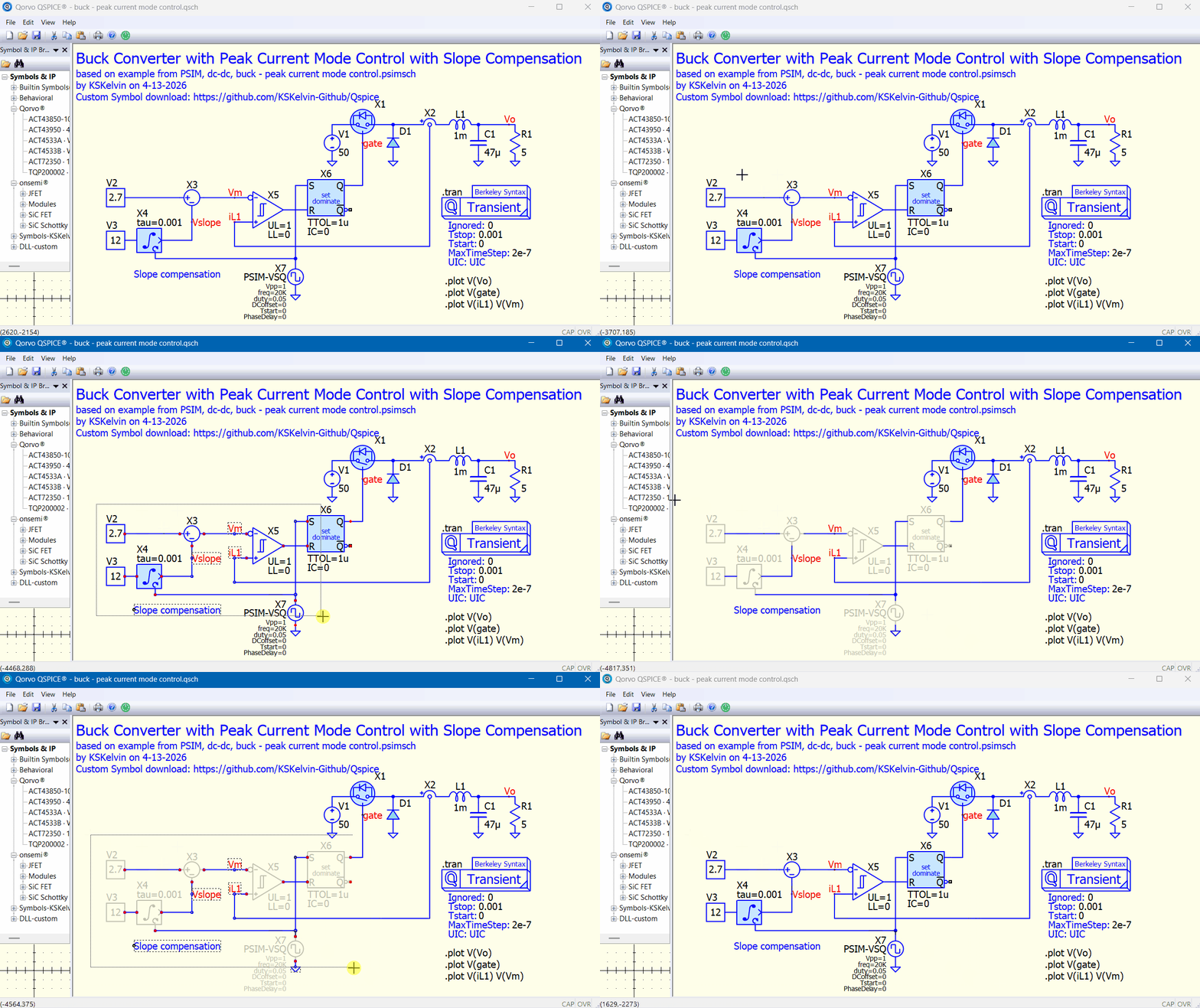
Right now, I can SHIFT-RIGHTCLICK group select components and wires and Cut (CTRL-X) or Copy (CTLR-C) these items as a group.
What if a new CTRL key was added to this group selection? For example a CTRL-U would Comment (or Uncomment) everything in the group.
What if a CTRL-D would either “Disable Block” (or Enable Block) or “Do Not Stuff” (or Allow) the components in the group selection?
The second suggestion would be useful to me. In one of my sims, I sequestered certain circuit components geographically on the schematic. Group selecting these circuit components and Disabling Blocks and not stuffing these components with one key sequence (there were about 30 of them) would be a much quicker than individually applying.
I figure I’d throw it out there.
Len