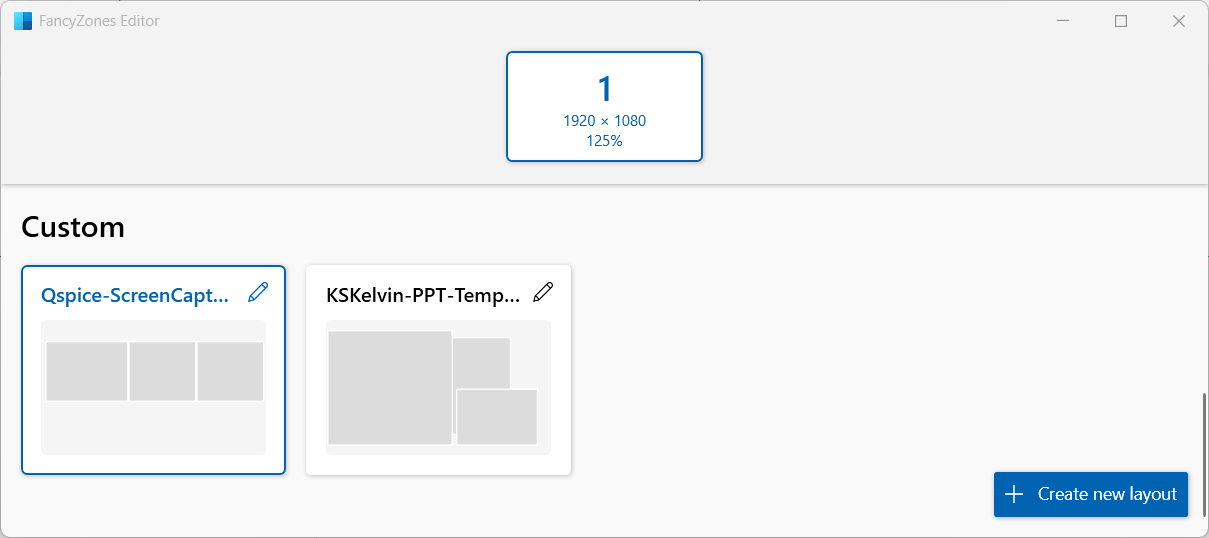
If you are a Windows user, I suggest installing PowerToys (available from the Microsoft Store). One of its key features, FancyZones, allows you to preset window zones on your screen. Holding Shift while dragging an application window forces it to snap to a specific zone size.
I learnt about this tool from @gabemorris12 in this post.
Why when I run the simulation the schematic window is resizing (Restore Down)? - QSPICE - Qorvo Tech Forum
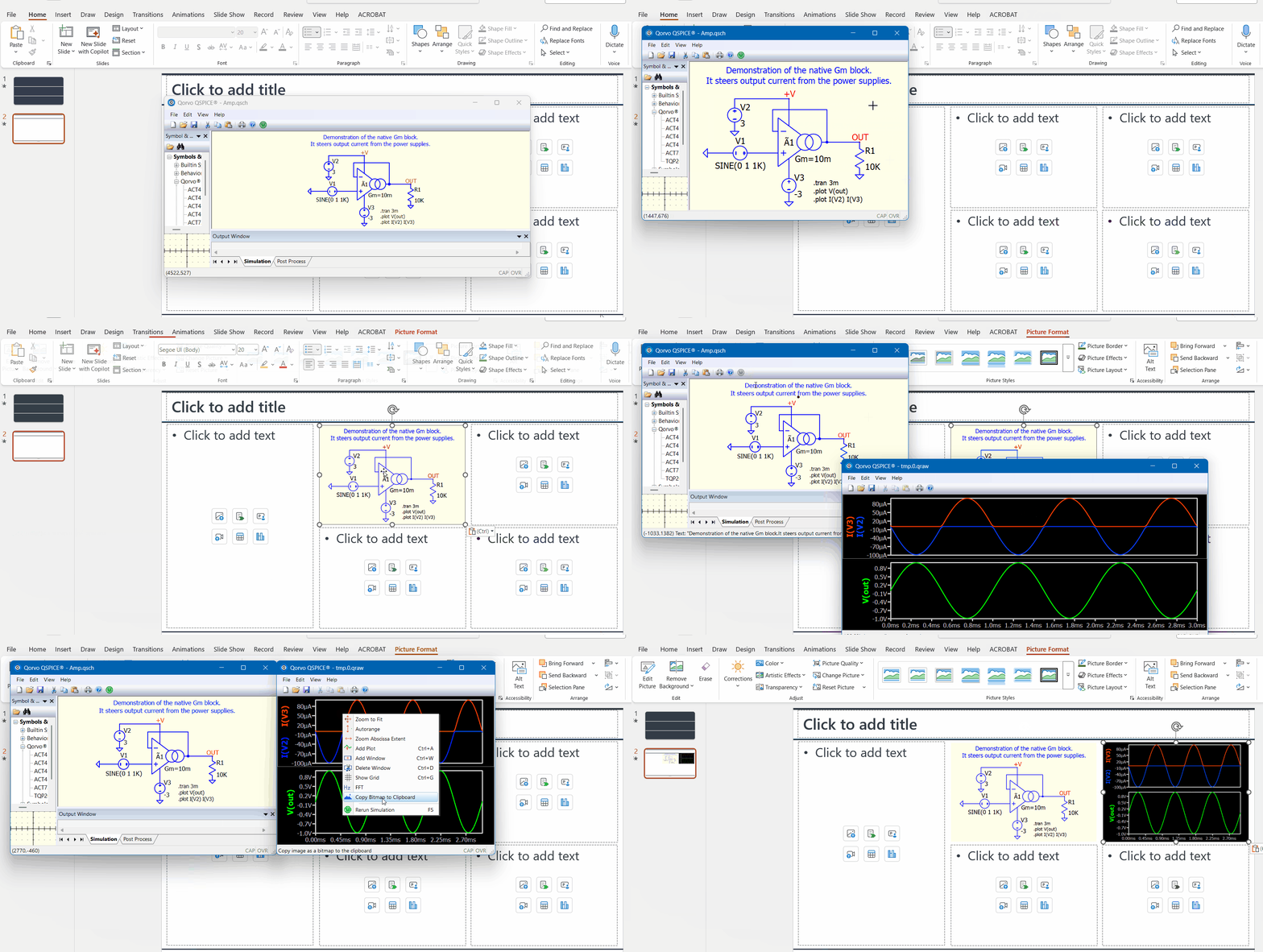
I rely on this feature to make sure all my screenshots fit perfectly into my ppt templates. Here is an example.
Here is a screenshot of a custom FancyZones setup. I think you can find more information on how to use it on YouTube or Google.