I want to connect my DWM3000 to the Qorvo Nearby Interactions Android app.
I uploaded the DWM3001CDK-QANI-FreeRTOS.hex file to evaboard from SDK 1.1.1 and confirmed BLE advertising.
I was able to successfully connect using the Qorvo Nearby Interactions iPhone app.
However, I can’t connect using Android. Please tell me what’s wrong.
the two system use different UWB channels. and the Android does Fira, not Qani (which is Apple proprietary).
Qorvo has not provided an Android sample.
Estimote (using UWB 1000 chip) has provided a sample and their wrapper library. for their newer rock shaped beacons (not pebble)
our app is written in Ionic/Vue, so I only had to create a plugin to interface to their Android library, and our App code worked the same.. (there were a couple of data items different that impacted our design, reported to Estimote, but no changes to date)
the lib only supported one beacon at a time, when I tested it a couple years ago
the Fira binary does not work with Apple Nearby, and the Qani binary does not work with Android.. fun times.
“Nearby Interactions App” provided by Qorvo is available on Google Play.
but not the source code to make our own
Let me rephrase that.
Please tell me how to connect “Qorvo Nearby Interactions Google Play” with DWM3000 and measure the distance.
If not, what devices can be connected to this application?
I would guess this has a device supported by the DW3,sdk 1.1.1 in Fira controlee mode, usb connected, with Android UWB ranging, similar to Apple nearby, without ble oob channel
The last screen seems to be how the phone will be configured. Which is more flexible than IOS
The Google Android UWB demo is between two phones
Here’s a screenshot of “Qorvo Nearby Interactions.” It says “BLE DISCONNECTED.”
Does this mean I can connect via BLE?
Which firmware should I use? UCI? CLI?
I tried both, but the device wasn’t listed.
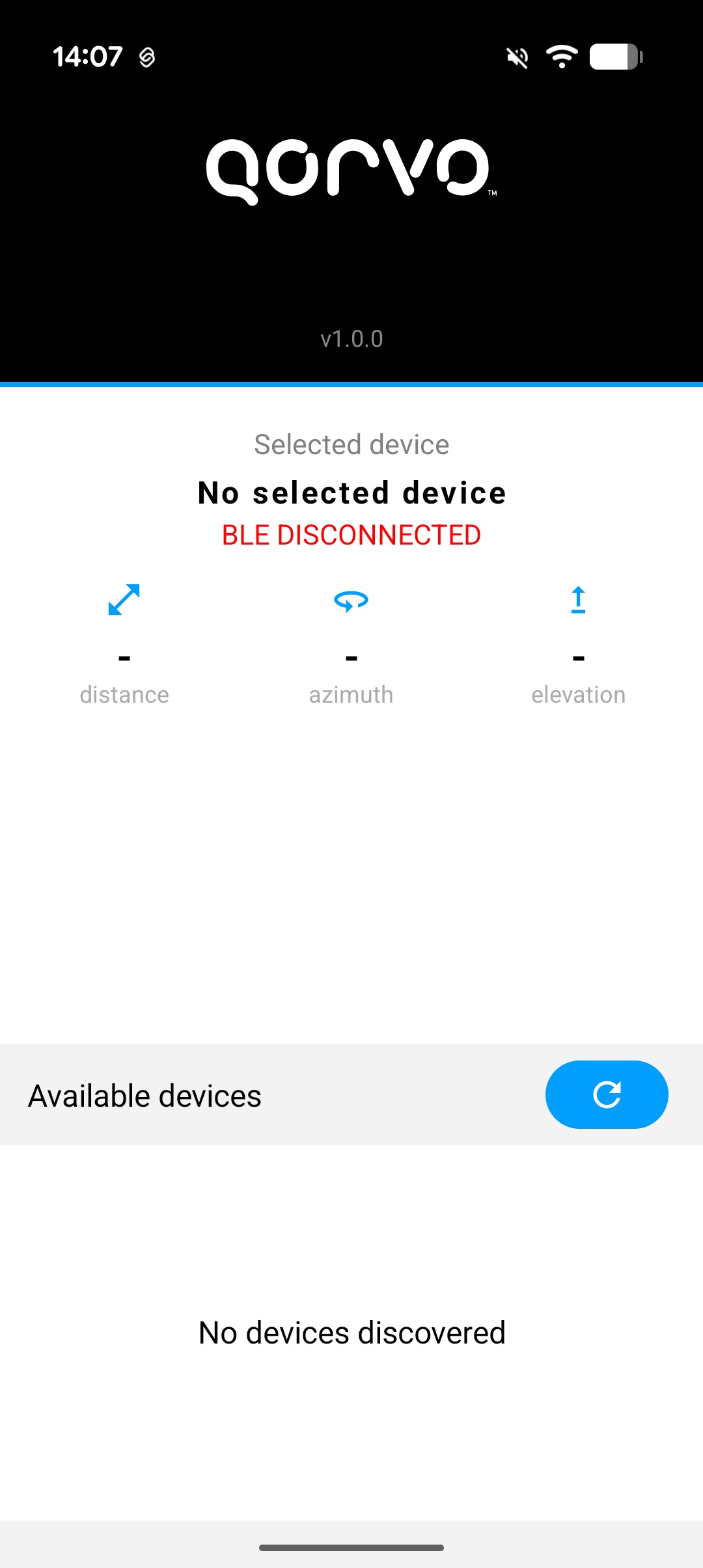
I do not know. there is no doc about using the app
maybe try the Qani firmware?? its the only one with BLE.
Hi @loquat3 !
Did you manage to resolve the problem?
I’m currently facing exactly the same issue and wondering if you found any solution for it?
I have not. As Android uses a different protocol set , any direct connection will take new firmware development
The only Android examples I have seen are using the usb connected UCI firmware to act as controlee while the phone acts as controller, with no out of band communications.
I think I have Android ranging w Qorvo devices with a small mod to the firmware
Hope to document both it and app soon