Hi,
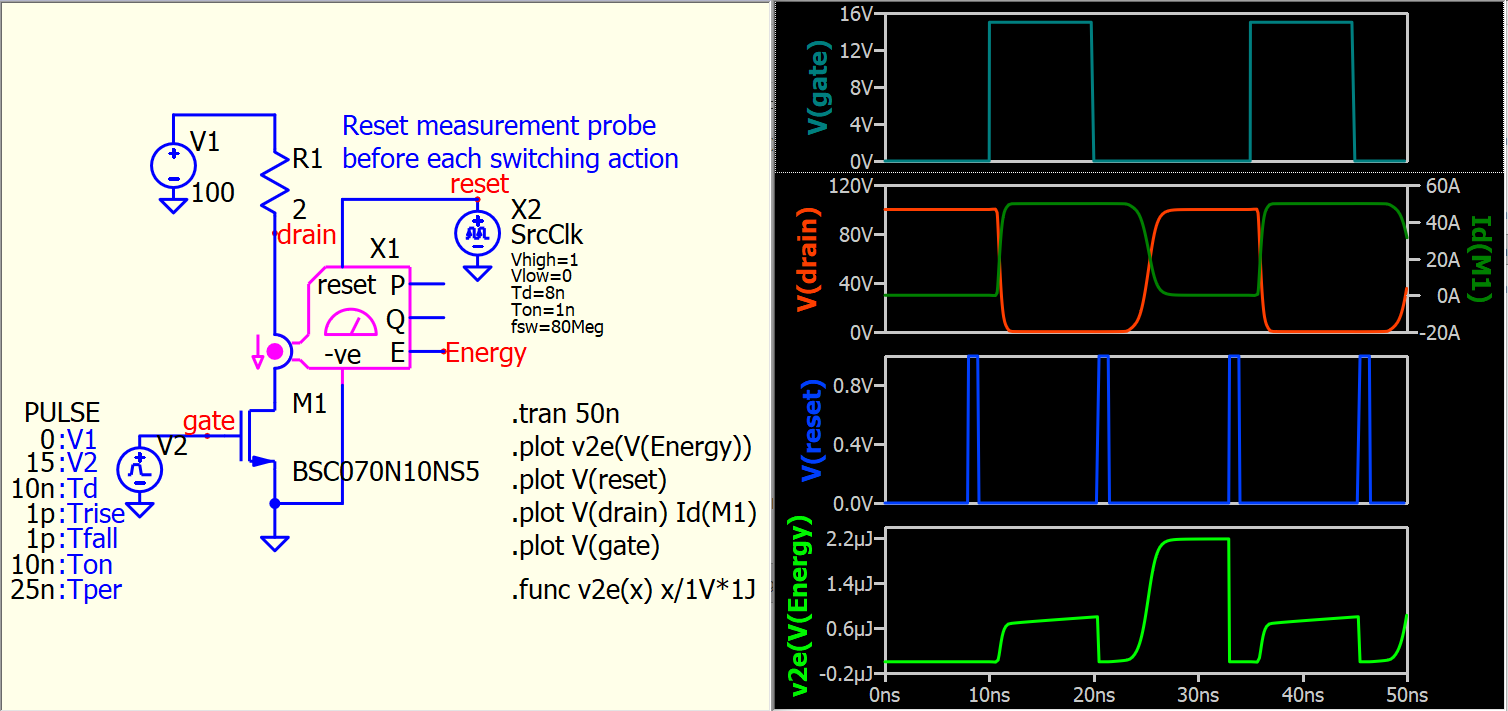
I am testing a MOSFET turn on and turn off energy. For that I integrate the power dissipation and do the difference between on and off with the .meas statement:
.meas Eon_S2_B find V(energy_S2) at 29.98µ
.meas Eon_S2_A find V(energy_S2) at 30.06µ
.meas Eon_S2 Eon_S2_A - Eon_S2_B
That works nicely, but I wouldn’t say the readability is very high:
.meas eon_s2_b find v(energy_s2) at 29.98µ:
     3.80971e-06  2.998e-05
.meas eon_s2_a find v(energy_s2) at 30.06µ:
     4.06061e-06  3.006e-05
.meas eon_s2 eon_s2_a - eon_s2_b:
     2.50901e-07  3.598e-05
Especially since I have this code repeated 4 times in a single simulation, so I was wondering whether it is possible to hide the .meas statements which are not the final answer, i.e.:
.meas Eon_S2_B find V(energy_S2) at 29.98µ
.meas Eon_S2_A find V(energy_S2) at 30.06µ
Alternative ways of doing this calculation are welcome (hopefully I can avoid the C block).
Thanks and regards